Automation
Printer-sized parts
Set your build volume and place your cuts.

Make large models fit your printer. Prepare, cut and organize interlocking parts for your next print.
1.5.0 RC3 · Windows, macOS & Linux
Automation
Set your build volume and place your cuts.
Organization
Keep parts numbered, organized and ready to export.
Reliability
Choose tenons and tune clearances before printing.
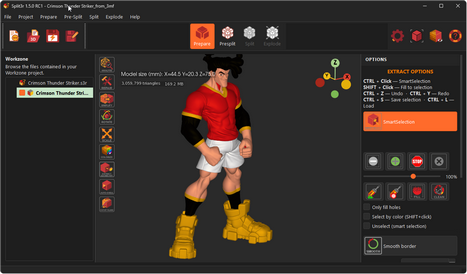
Import an STL, OBJ or 3MF file. Analyse the geometry, repair the geometry, simplify the model (reduce its size), rotate it, set the scale, colour it, extract parts of the model, cut it along any plane...
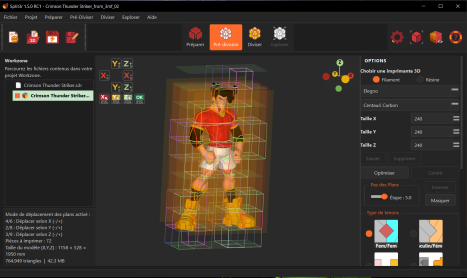
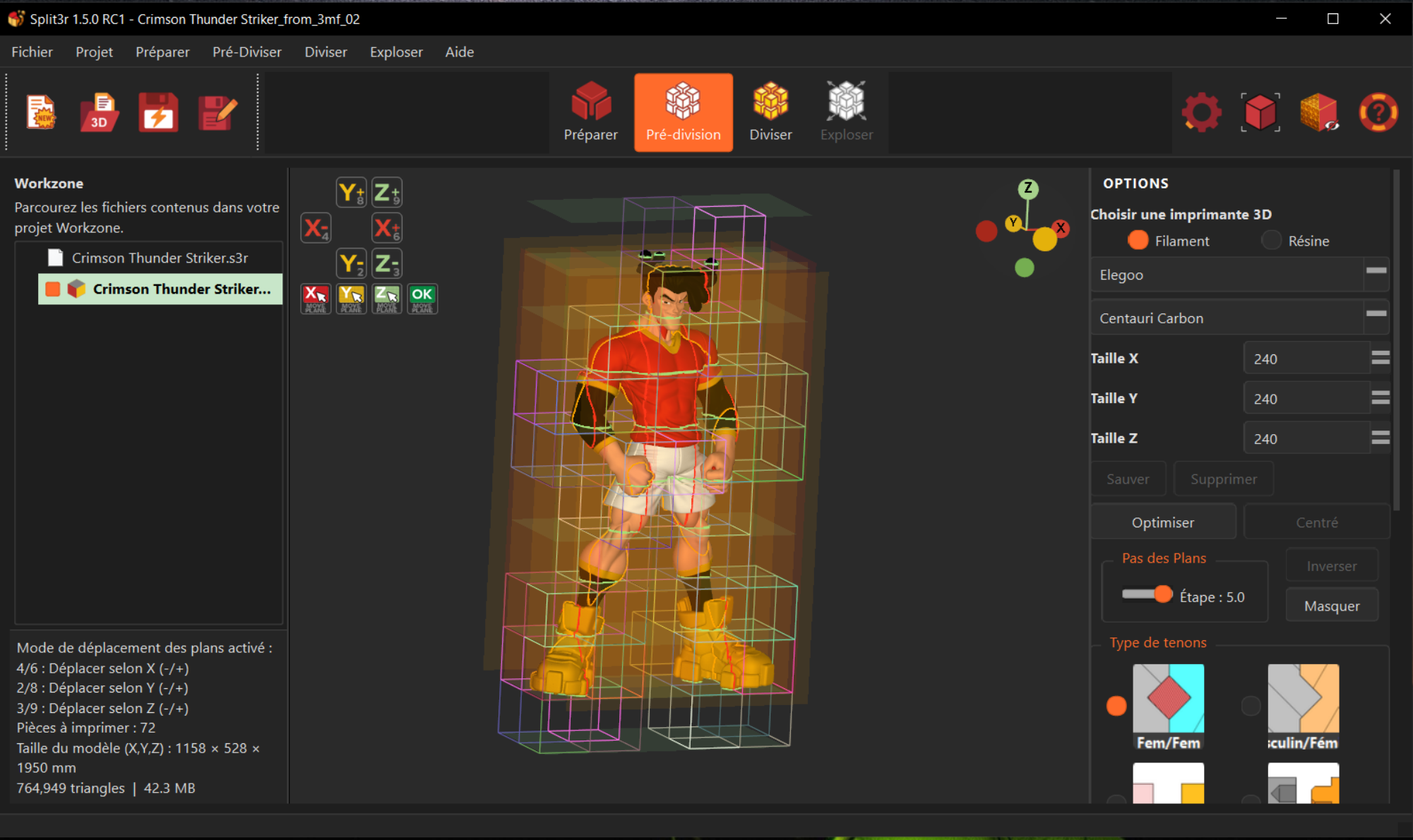
Choose your printer, position the cut planes and configure the tenons.
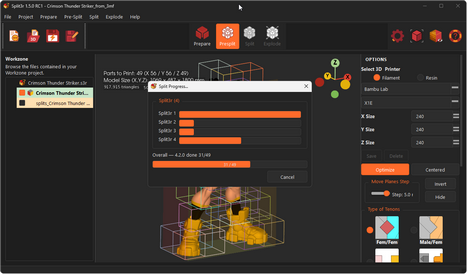
Generate labeled parts with multi-threaded processing.
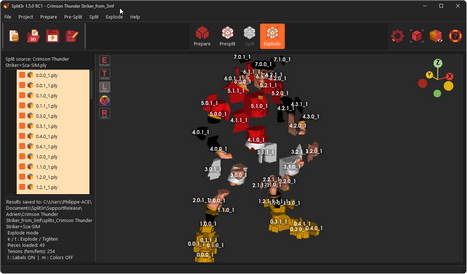
Inspect the assembly and save visual guides.
Paint a boundary so Smart Selection stops where you want it to.
Reuse a saved selection without selecting the same area again.
Adjust your selection with the brush or sphere. Clean updates the border after each stroke.
Inspect a detail by rotating around the point under your cursor.
File controls on the left, large mode buttons in the center, utilities on the right.
Move status messages below the Workzone with the optional “HUD text in panel” setting.
Rotate around the point under your cursor to keep the area you are examining in view.
Have you printed a project with Split3r? Show us the result and tell us how you made it.
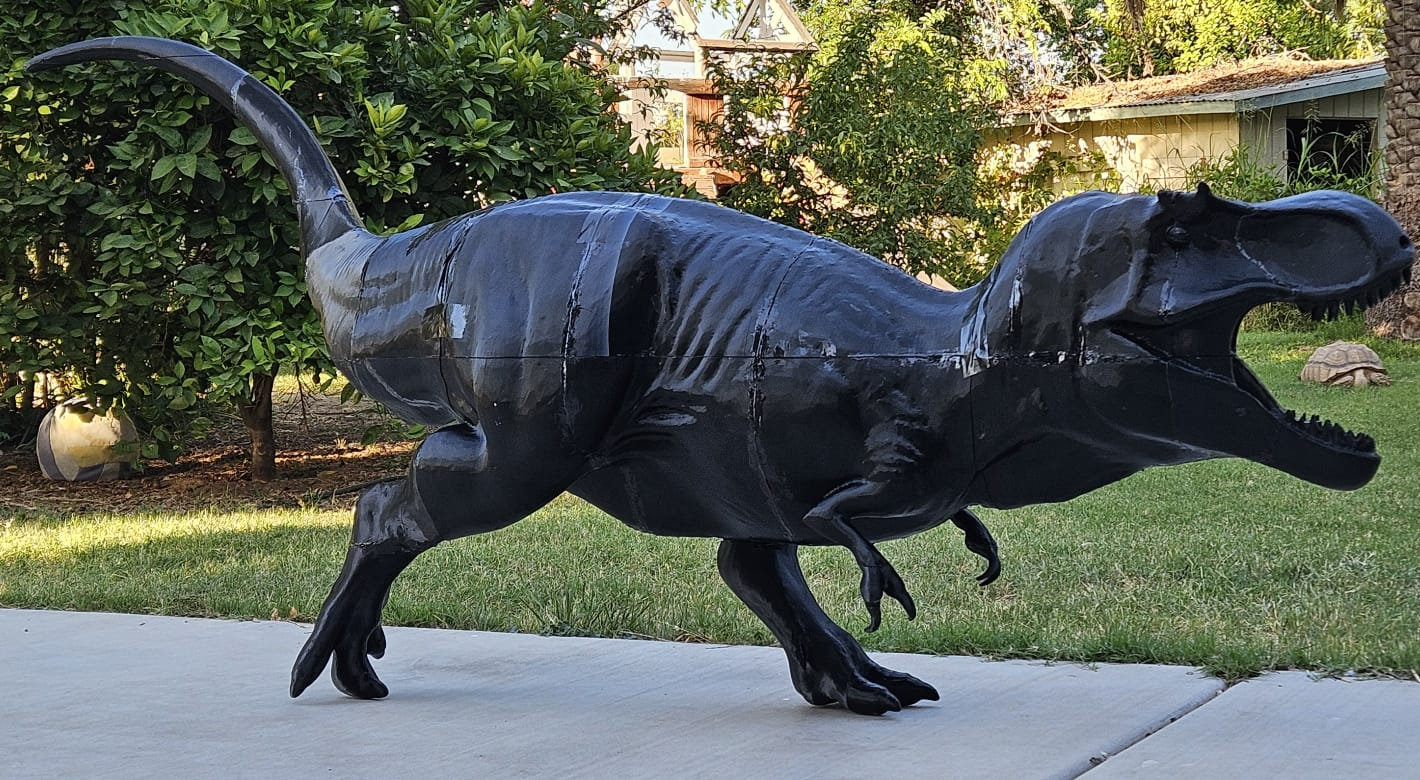
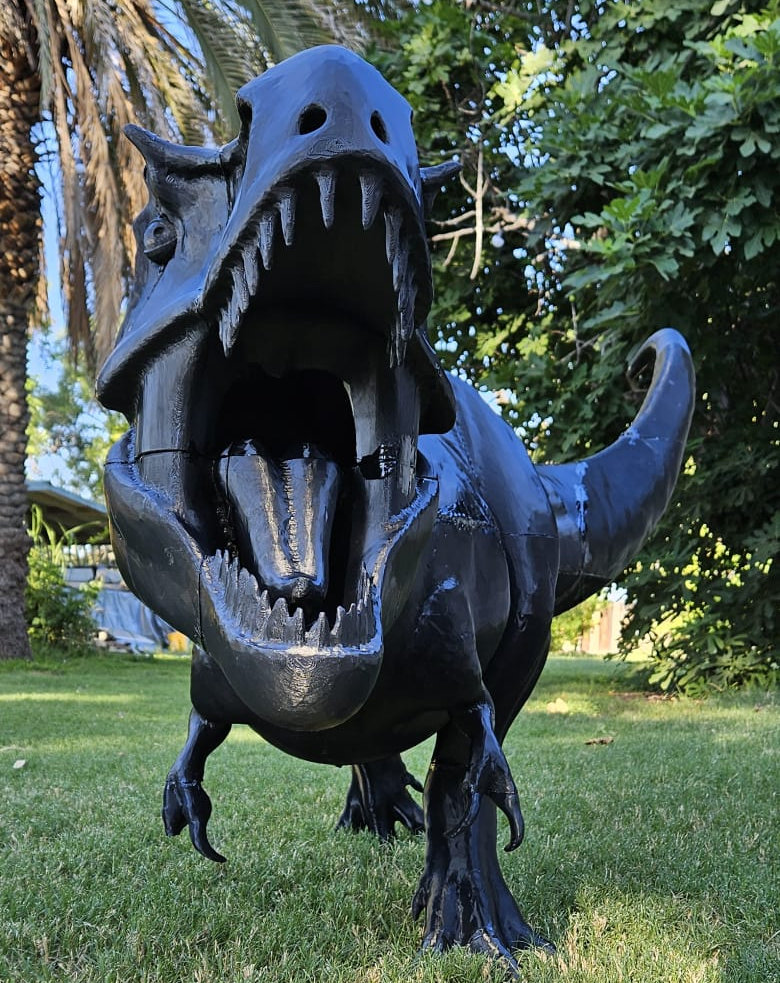
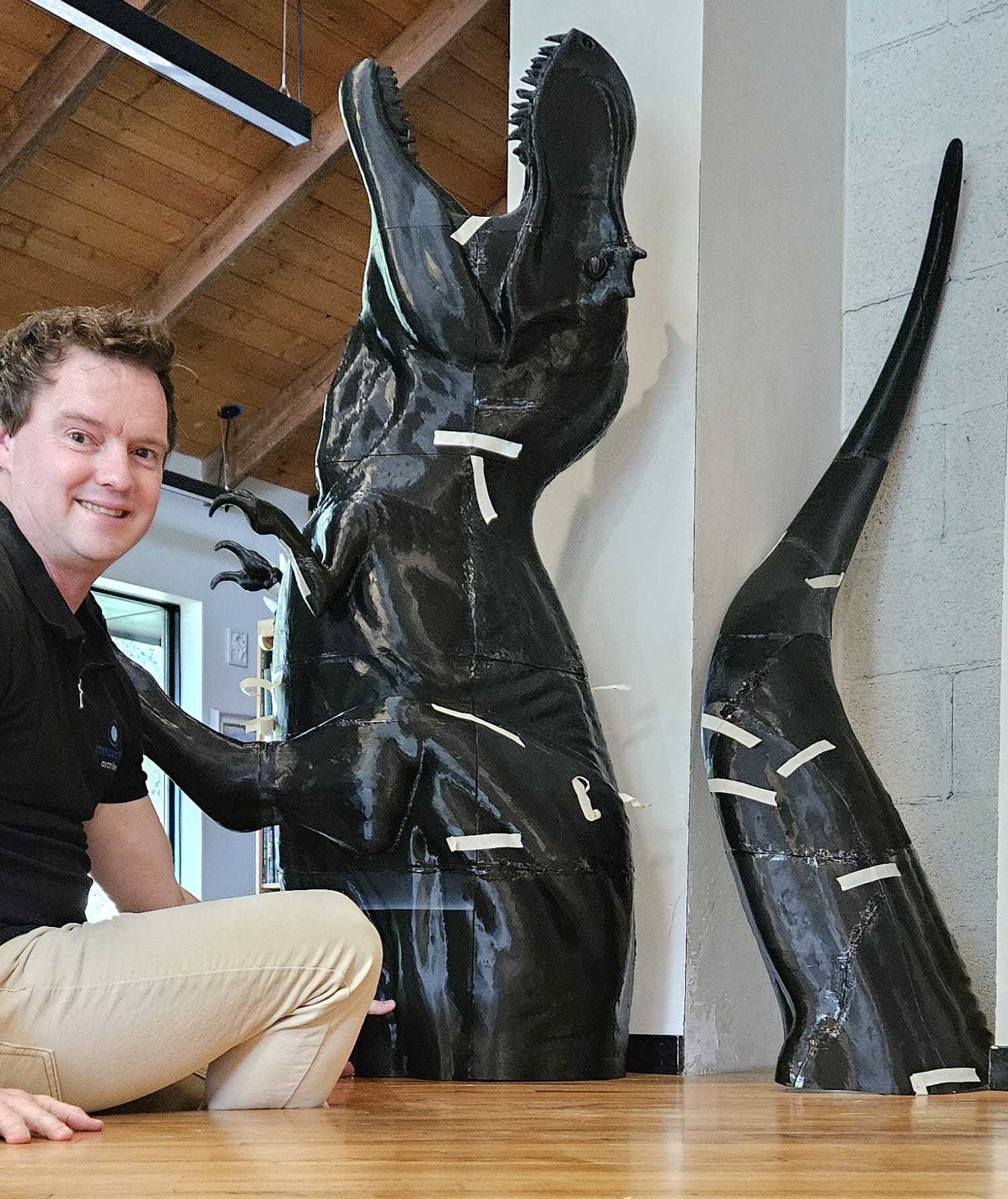
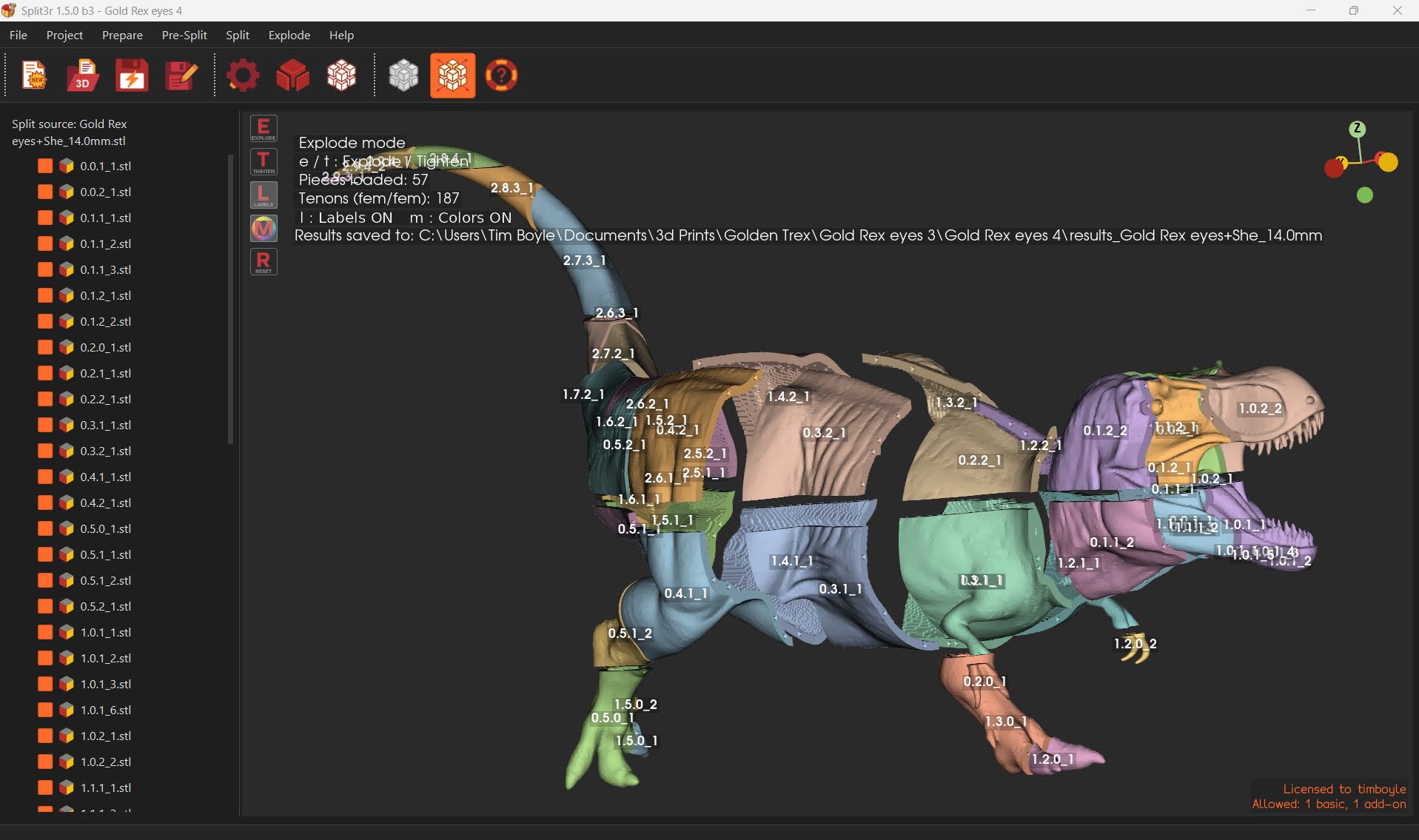
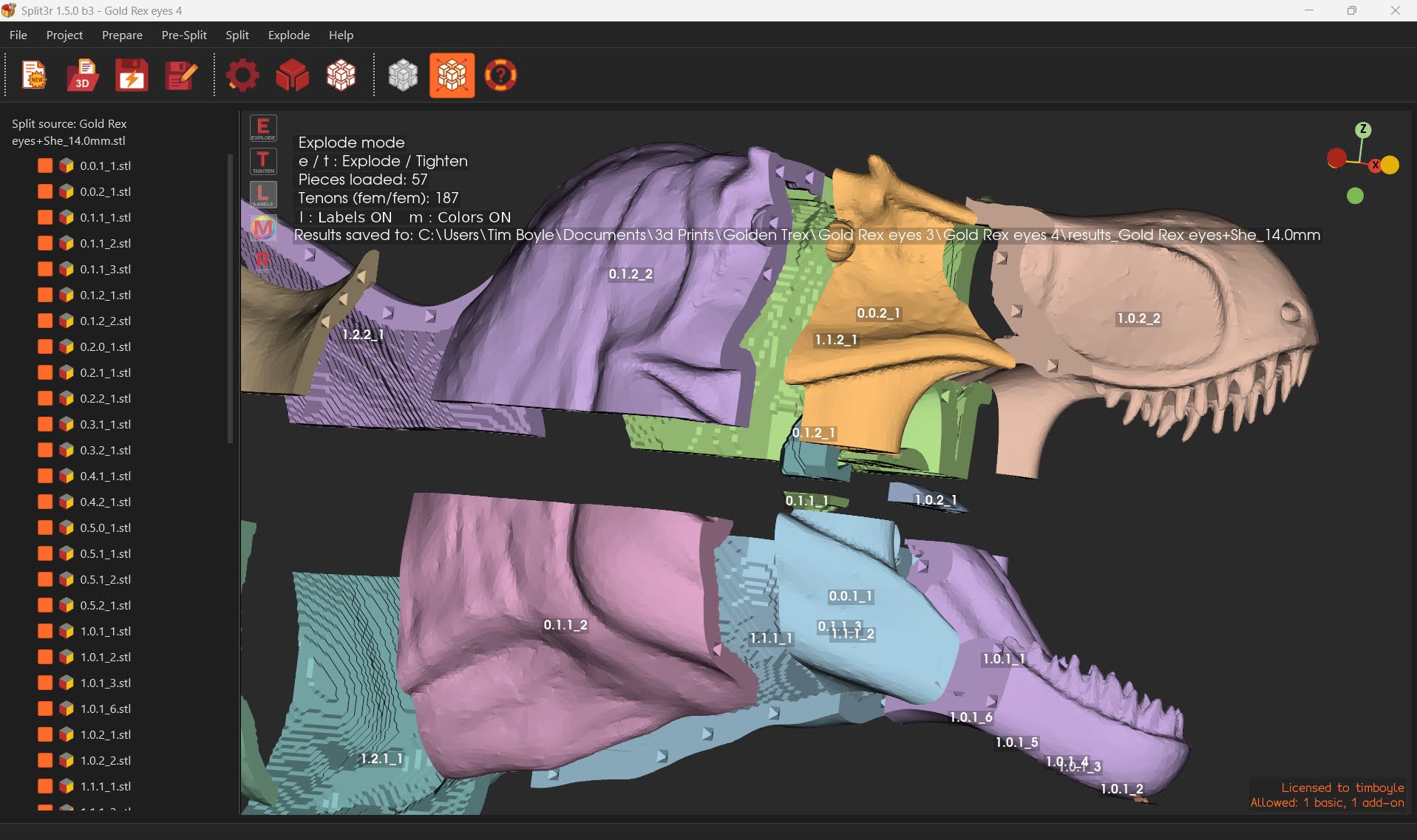
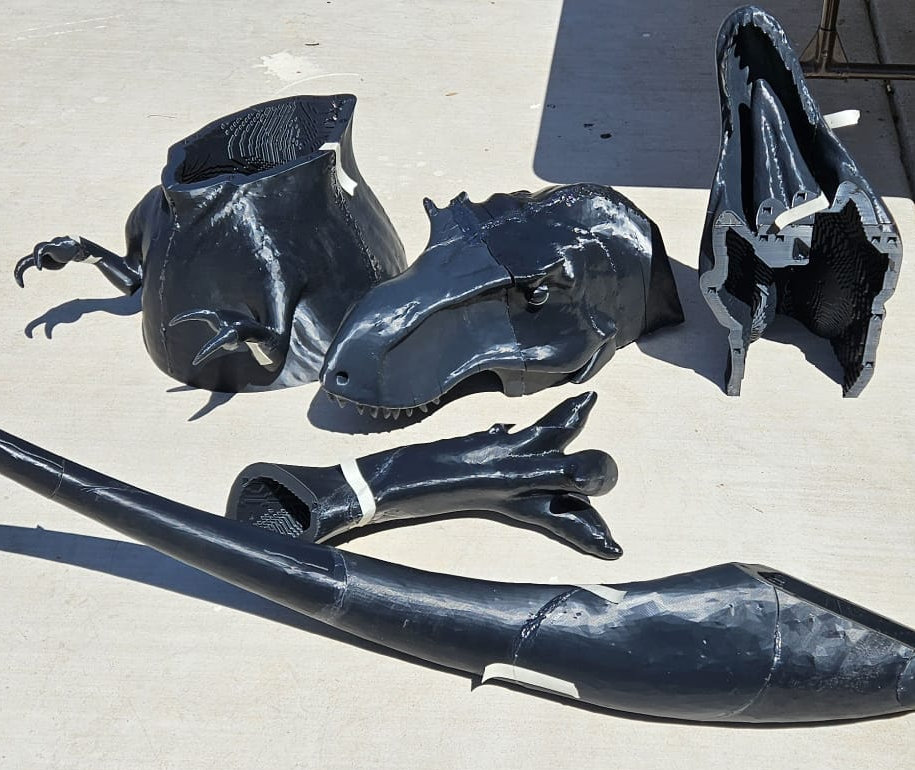
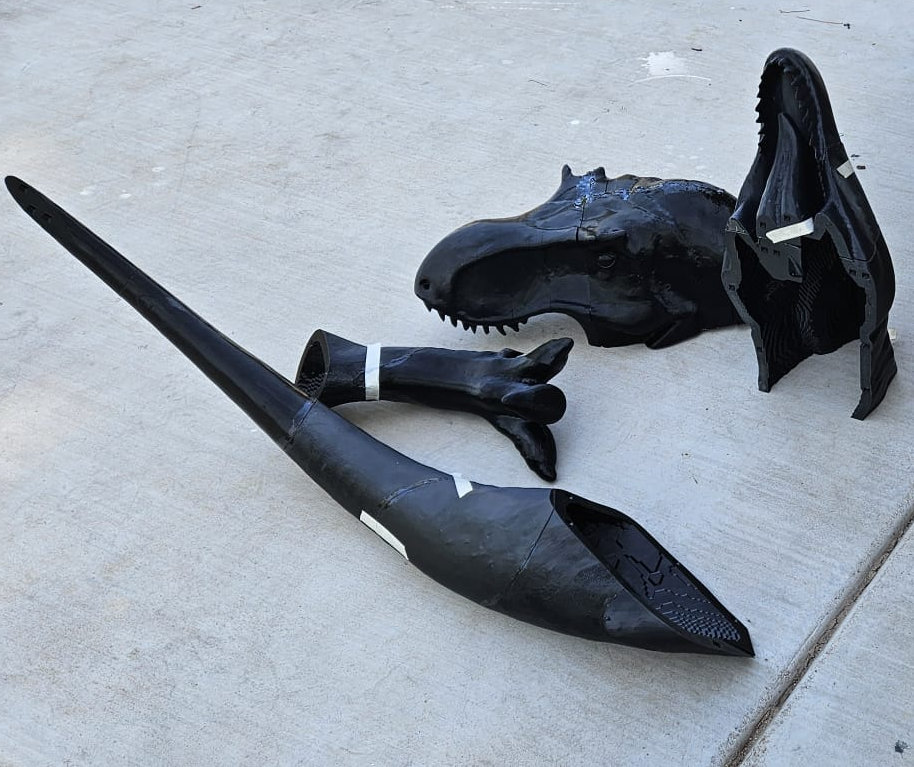
Tim BoyleInstagram @timboyle
An architect in Arizona printed a quarter-scale T. rex in 57 pieces, to test black ASA under the desert sun and to prepare much larger prints.
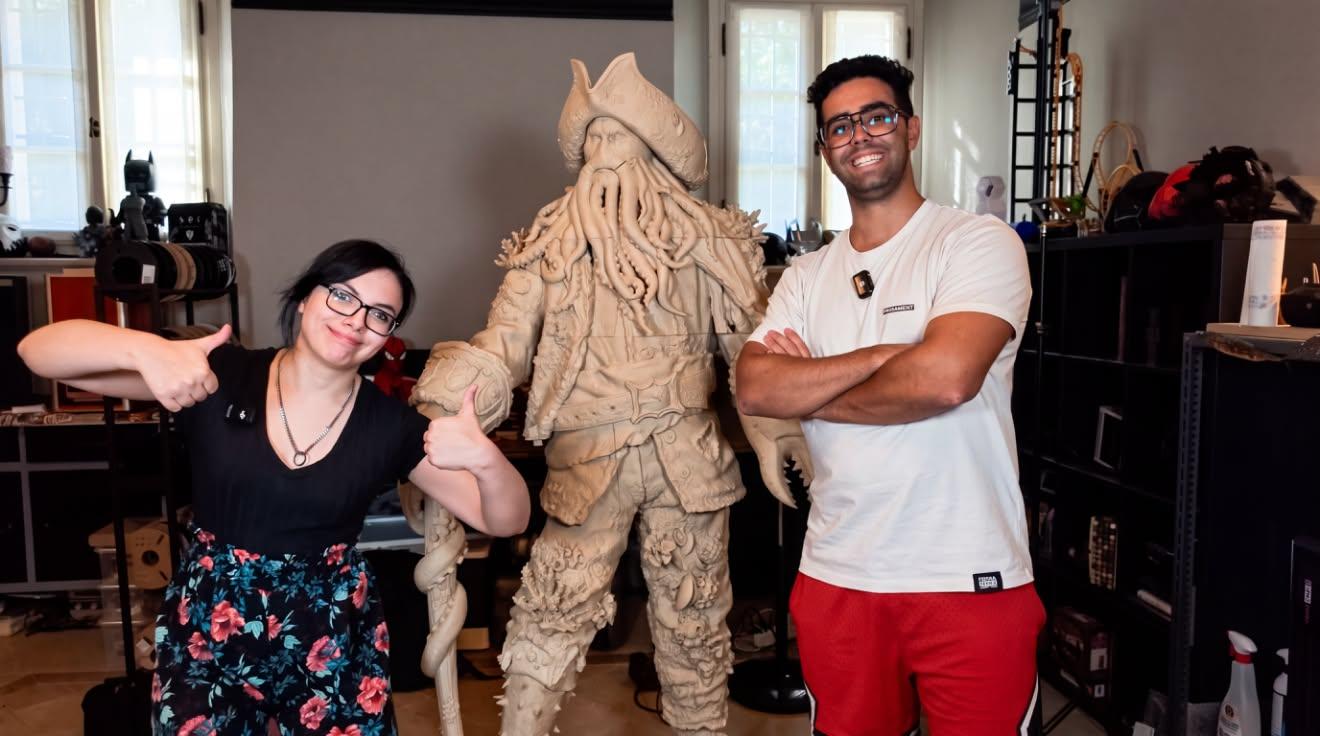
Nicola & NoraInstagram @nik00loInstagram @alerademonYoutube @nik00lo
Nicola prints, Nora handles finishing and painting. Together they take on a large-format statue of Davy Jones, with a split designed as much for the printers as for the assembly work. About fifty parts, ten Prusa XL printers, and a project in which Split3r supports the preparation of the model.
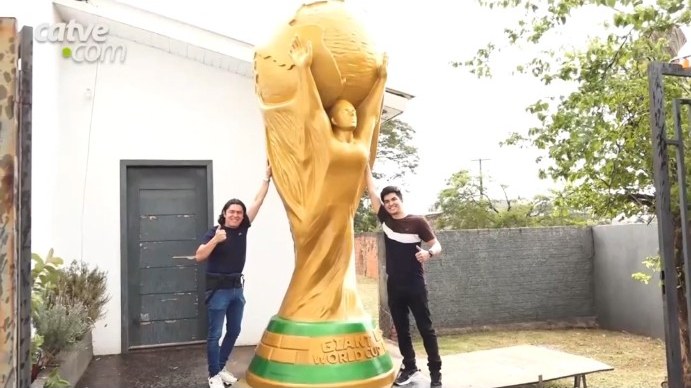
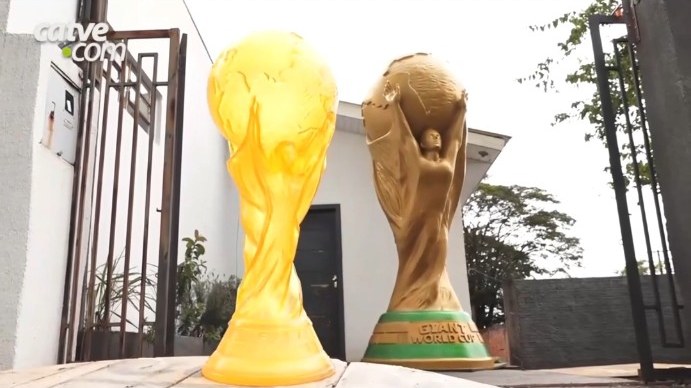
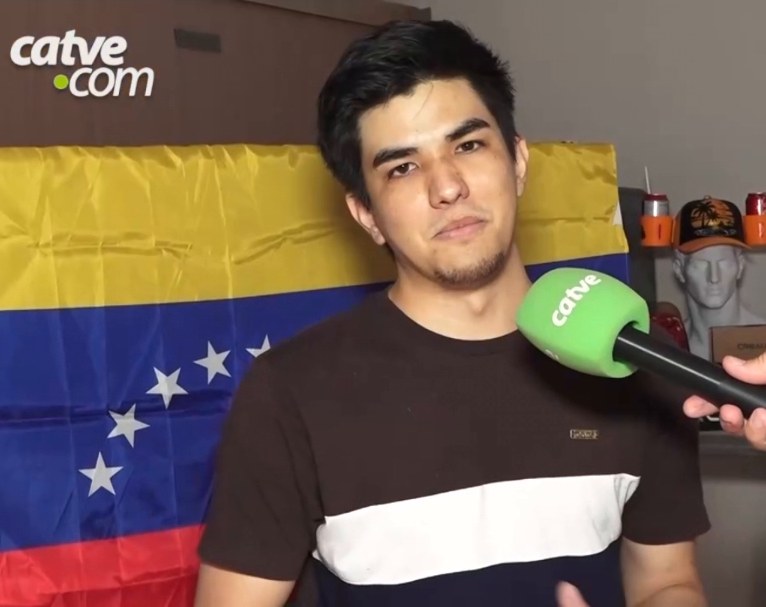
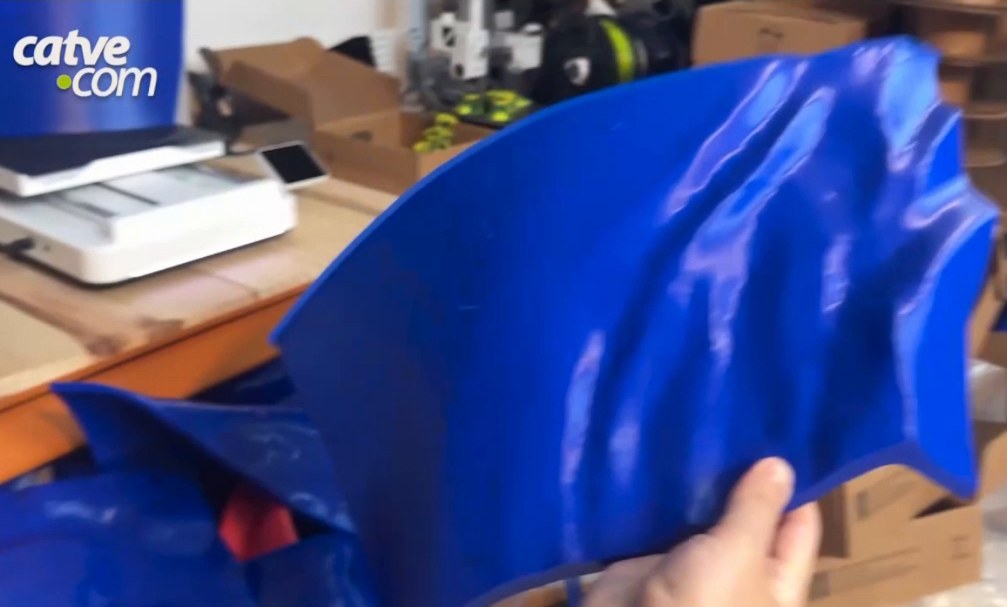
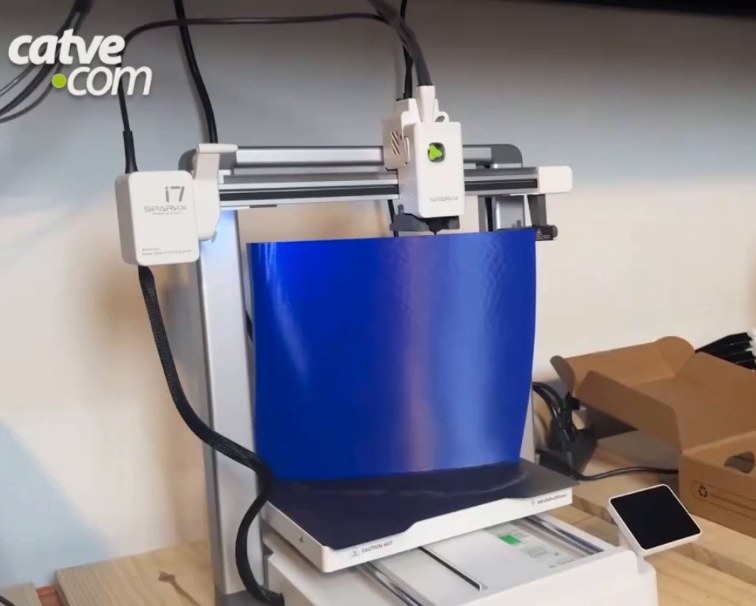
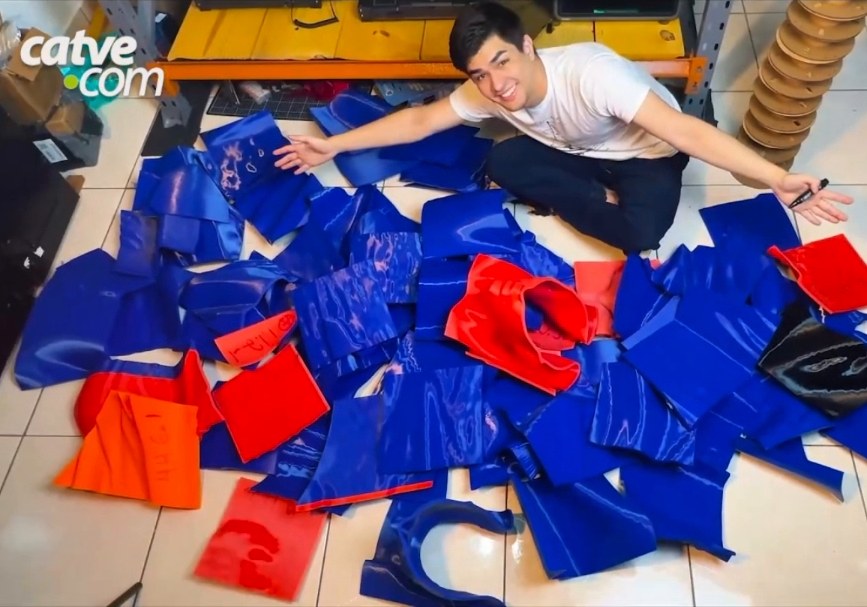
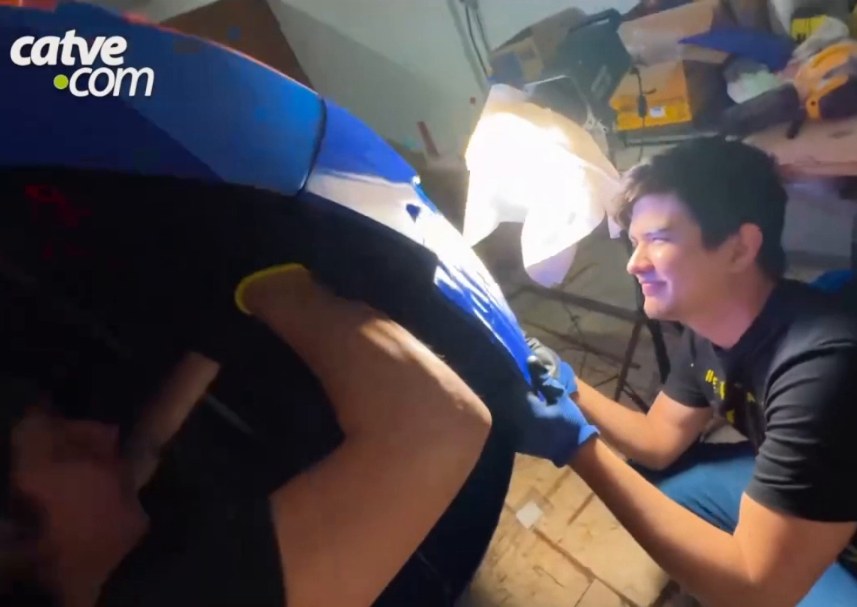
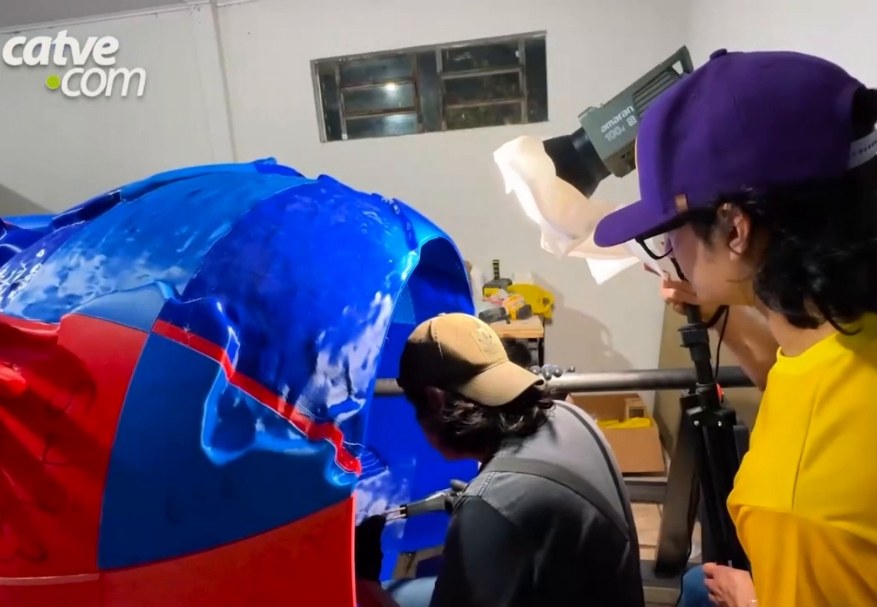
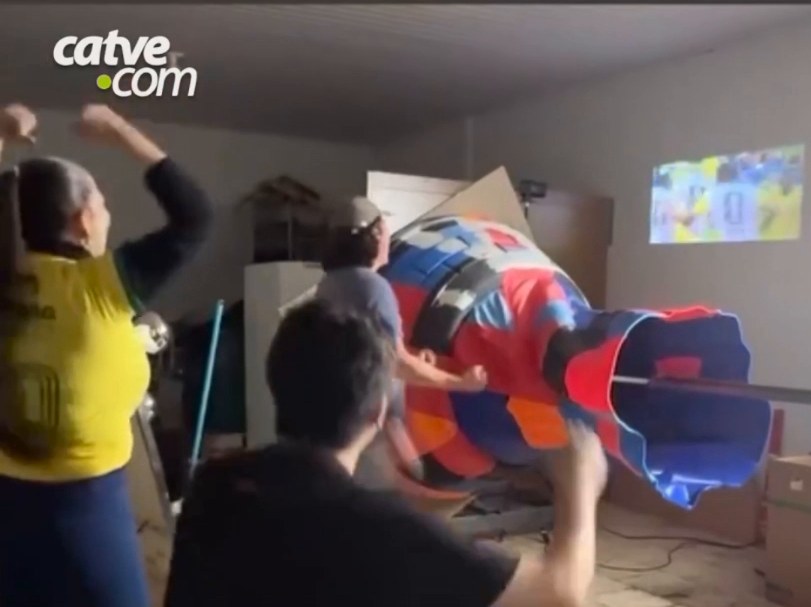
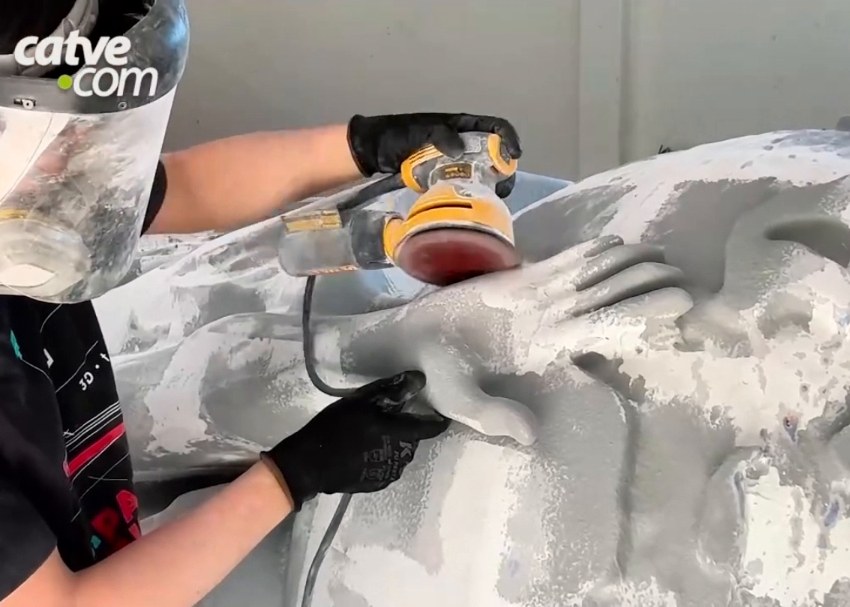
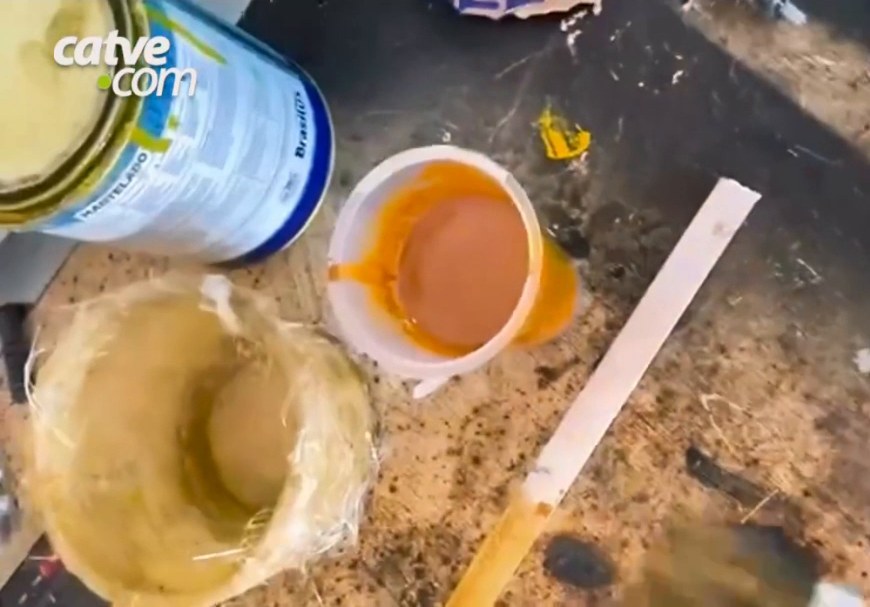
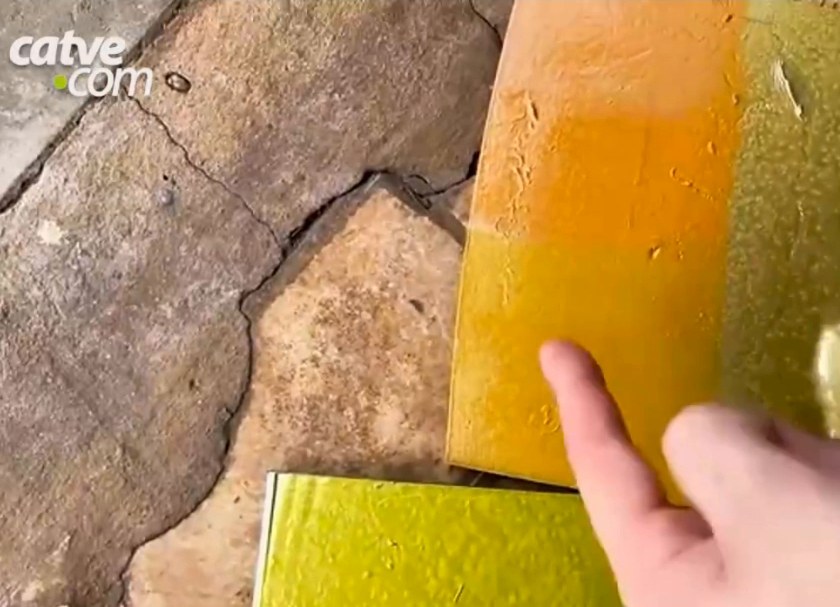
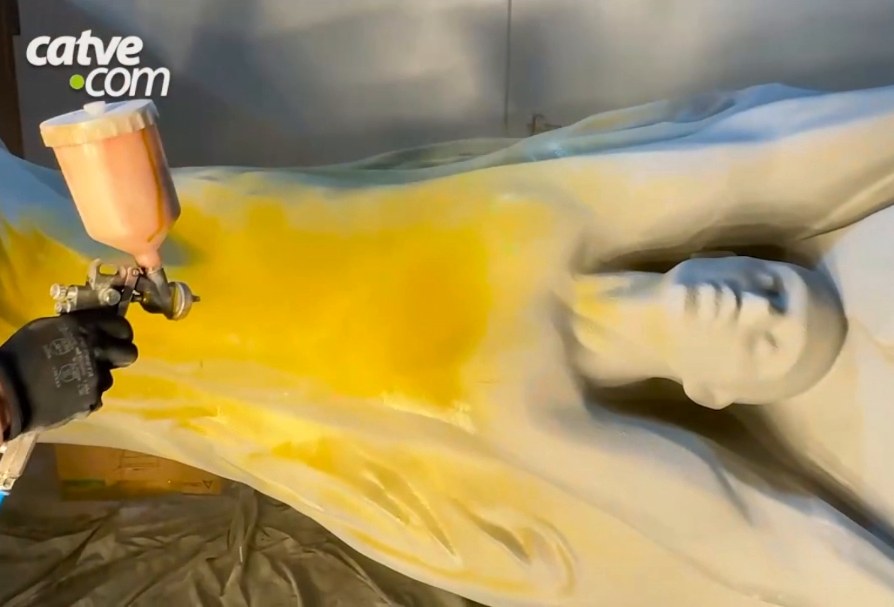
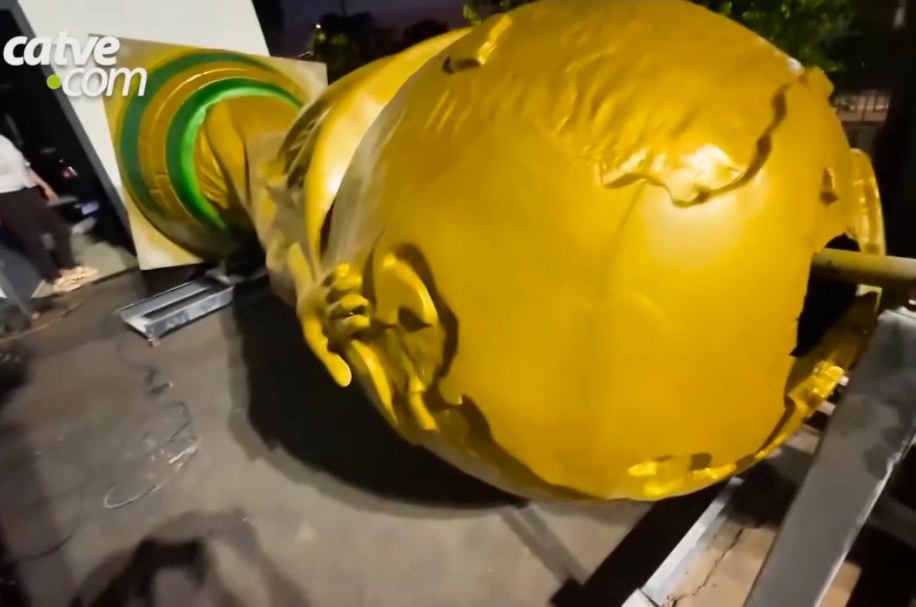
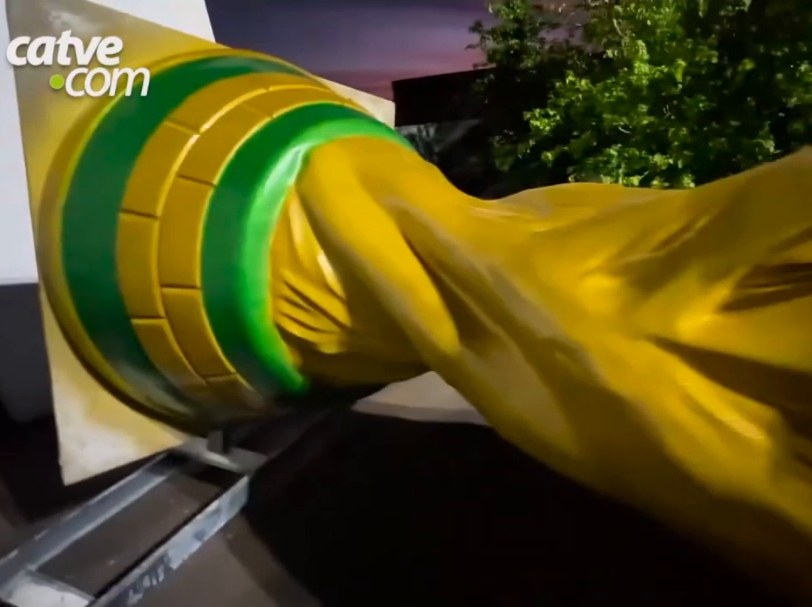
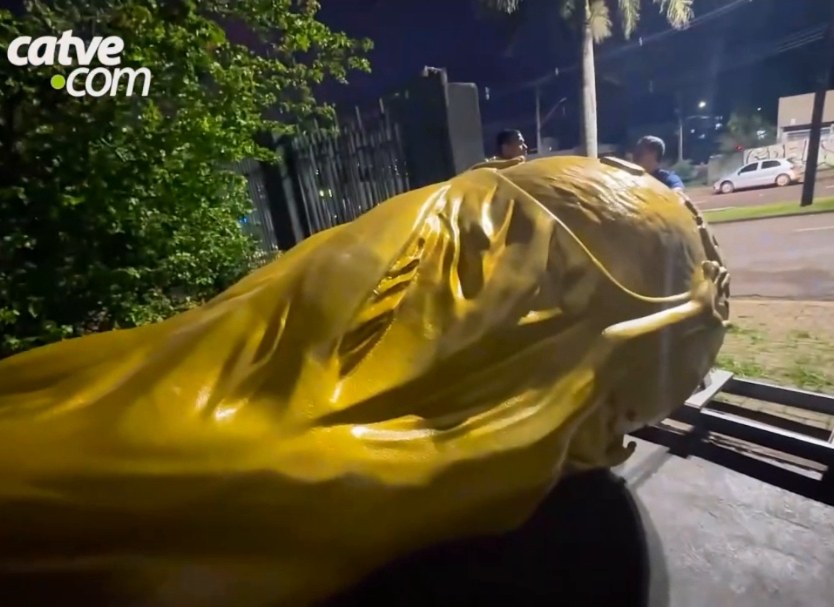
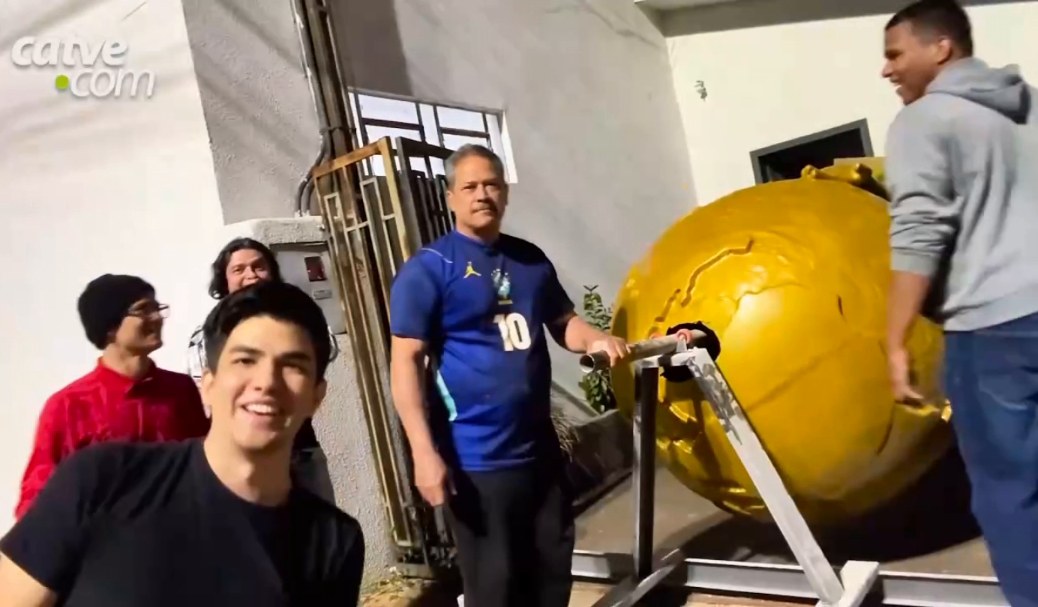
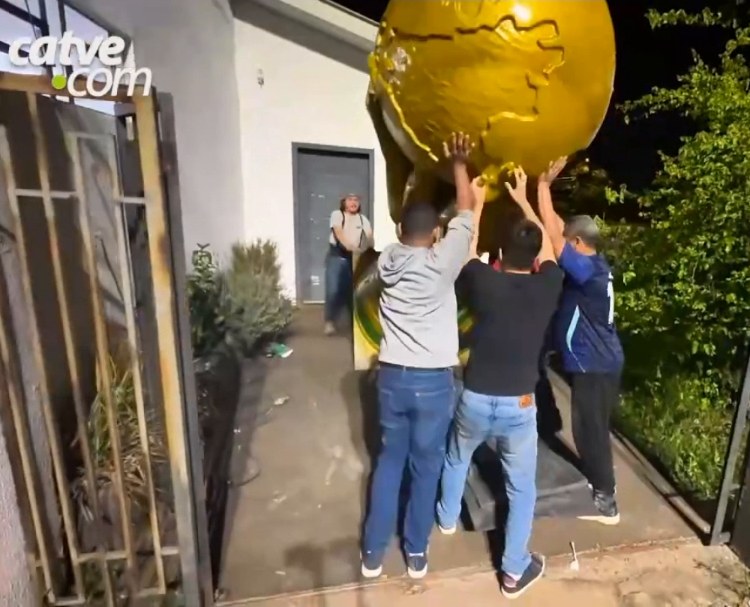
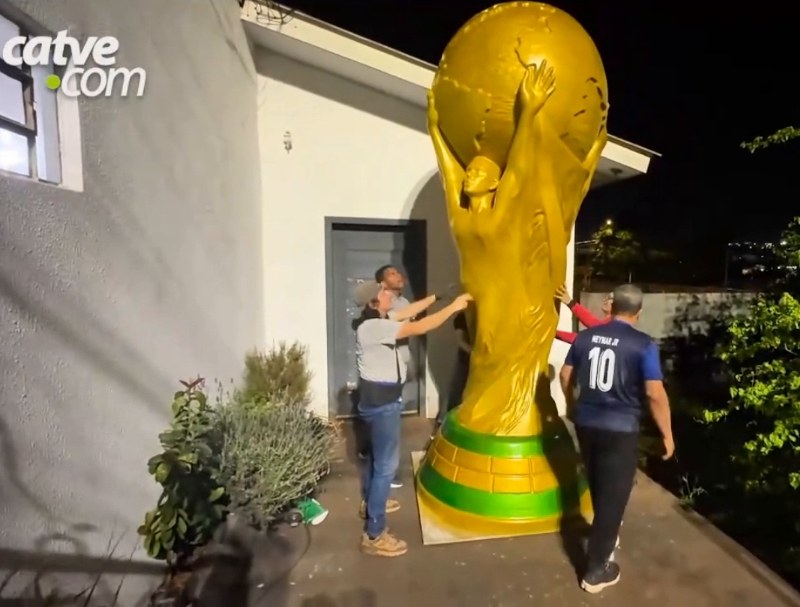
Giant World Cup, CascavelInstagram @3dxavInstagram @tecnogocho3dInstagram @hectoradophoto
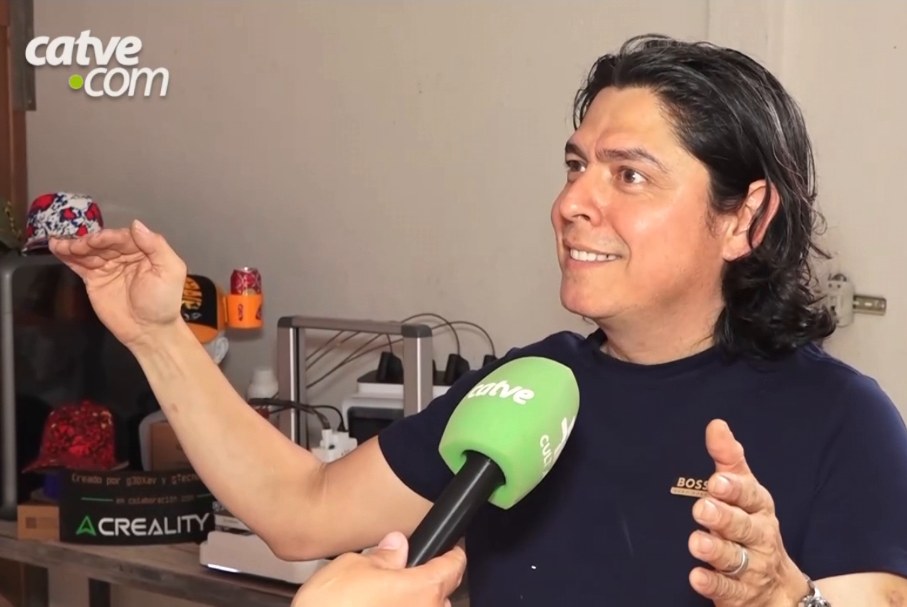
In Cascavel, Brazil, a small team of Venezuelan makers printed and assembled a 3.6 m, 130 kg replica of the World Cup, which they present as the largest 3D-printed trophy in the world.
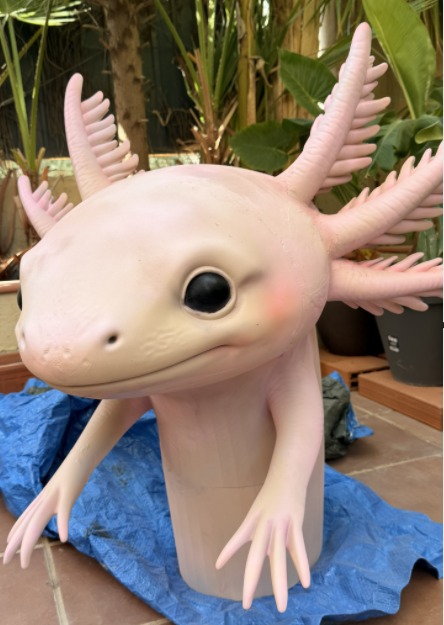
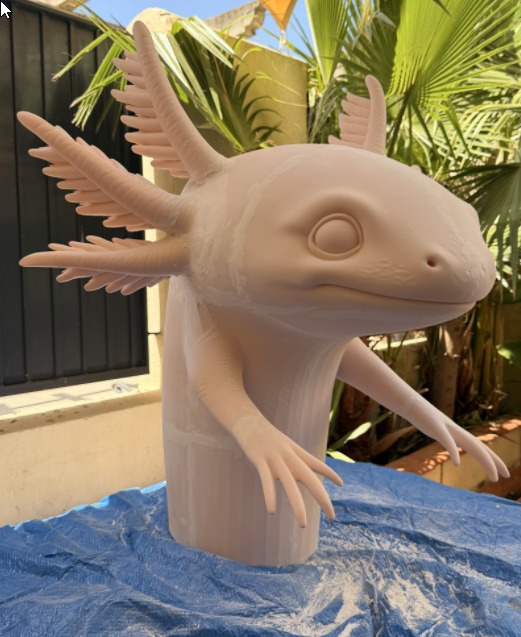
Miguel Ángel López / @malopeznInstagram @malopezn
Miguel shares how he created his giant axolotl, from planning the cuts with Split3r to assembling and painting the sculpture.
Nicola & NoraInstagram @nik00loInstagram @alerademonYoutube @nik00lo
View project →Giant World Cup, CascavelInstagram @3dxavInstagram @tecnogocho3dInstagram @hectoradophoto
View project →Miguel Ángel López / @malopeznInstagram @malopezn
View project →€60
Core splitting tools.
Lifetime license.
€35
Advanced tools for Basic.
Requires a Basic license.
€95
Basic and all Add-ons.
Lifetime license.
Prices exclude VAT. One-time purchase, no subscription. Internet connection required.
Congratulations on your work, Philippe. I've tested several software programs that try to replicate what Split3r does, and none came close. That's it! Let's go! I'm looking forward to the new updates!
I would like to thank you for your excellent support. Your assistance was very helpful, and thanks to your guidance I was able to resolve the issue successfully.
Everything is now working correctly.
Thank you again for your time, professionalism, and prompt assistance.
I want to say your program has been an enormous help; thank you for building it...
Thanks again for your work on this.
Pay for your license in our shop with PayPal or Stripe (Visa, CB, Mastercard…). Your license is delivered by email after payment confirmation.