Automation
Printer-sized parts
Set your build volume and place your cuts.

Make large models fit your printer. Prepare, cut and organize interlocking parts for your next print.
1.5.0 · Windows, macOS & Linux
Automation
Set your build volume and place your cuts.
Organization
Keep parts numbered, organized and ready to export.
Reliability
Choose tenons and tune clearances before printing.
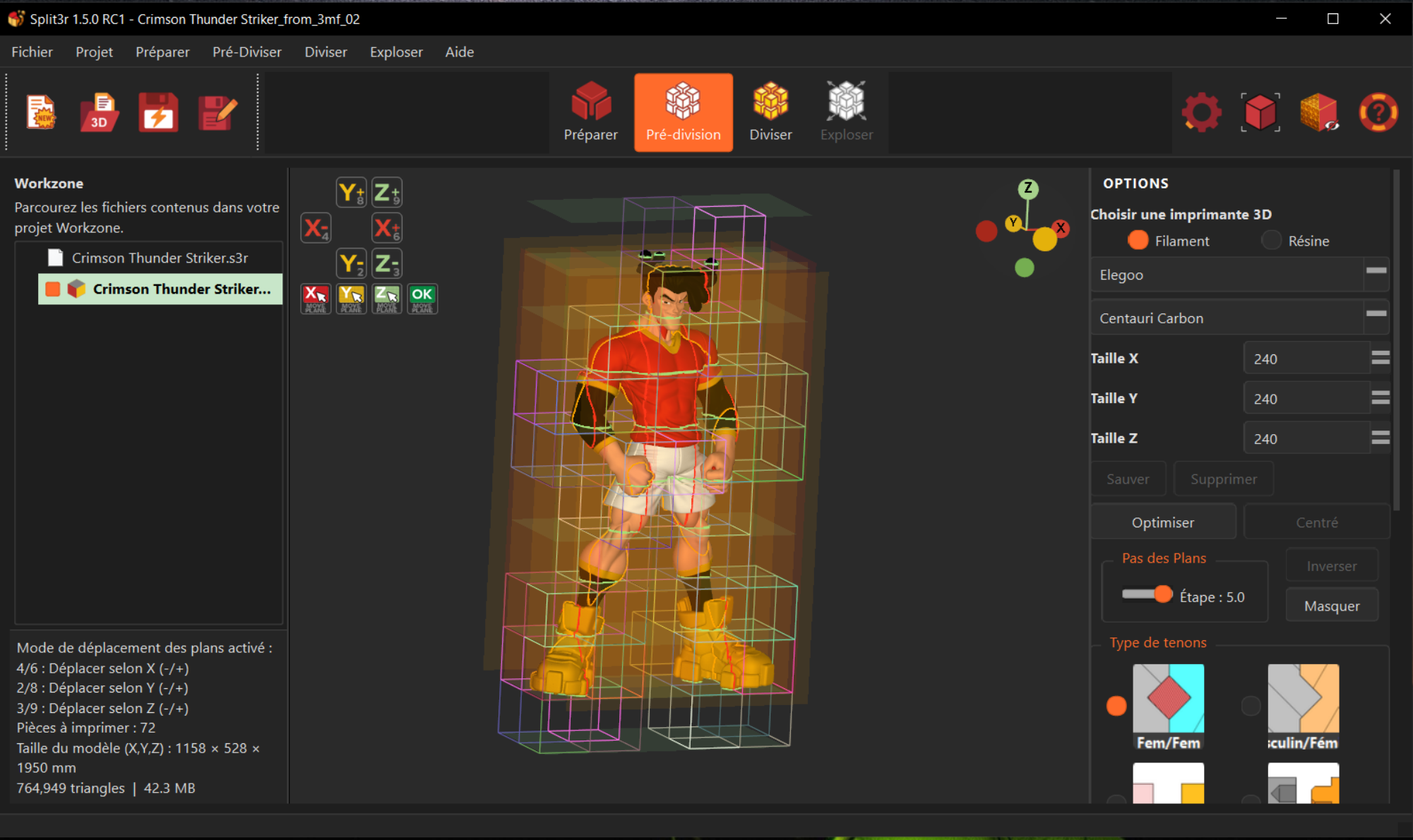
Import an STL, OBJ or 3MF file. Analyse the geometry, repair the geometry, simplify the model (reduce its size), rotate it, set the scale, colour it, extract parts of the model, cut it along any plane...
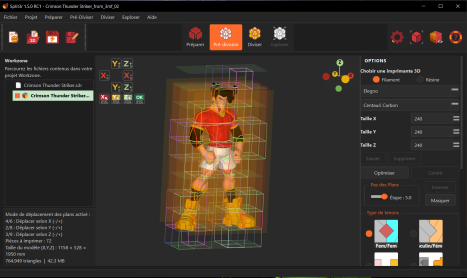
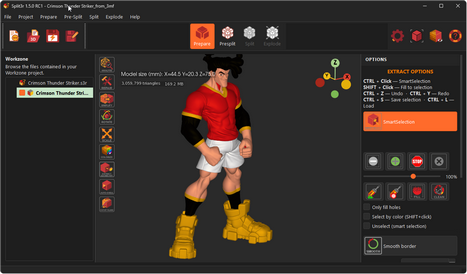
Choose your printer, position the cut planes and configure the tenons.
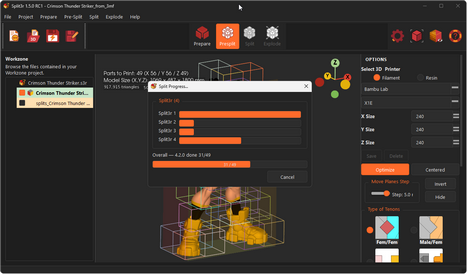
Generate labeled parts with multi-threaded processing.
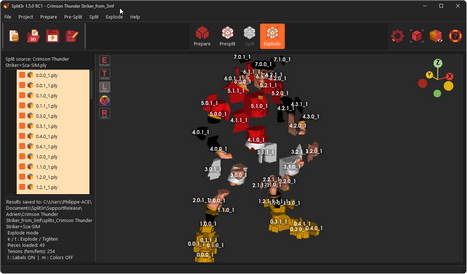
Inspect the assembly and save visual guides.
Paint a boundary so Smart Selection stops where you want it to.
Reuse a saved selection without selecting the same area again.
Adjust your selection with the brush or sphere. Clean updates the border after each stroke.
Inspect a detail by rotating around the point under your cursor.
File controls on the left, large mode buttons in the center, utilities on the right.
Move status messages below the Workzone with the optional “HUD text in panel” setting.
Rotate around the point under your cursor to keep the area you are examining in view.
Show us what you split or prepared with Split3r: the best project of the month gets its licence refunded.
Enter the contest
Anniversary contest results
Eight entries, thank you all. Gold, Silver and Bronze:

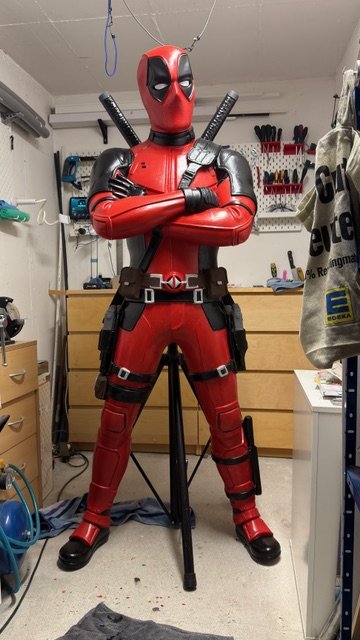
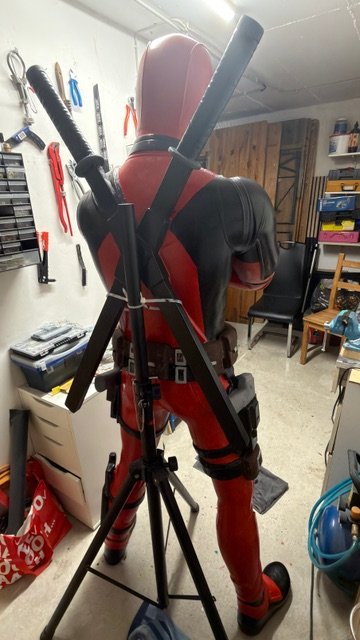
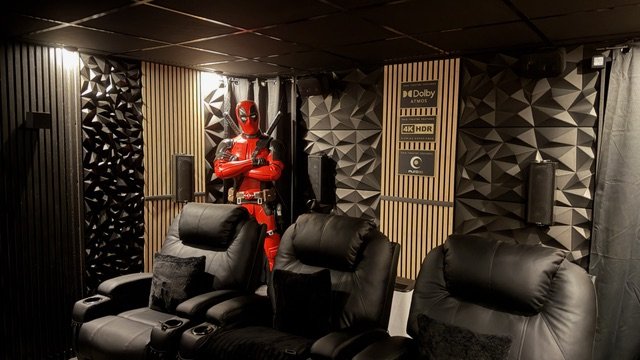
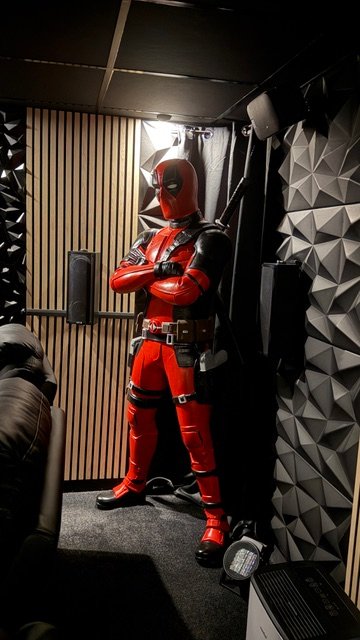
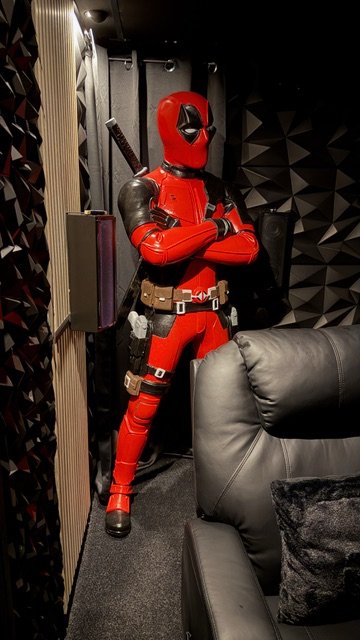
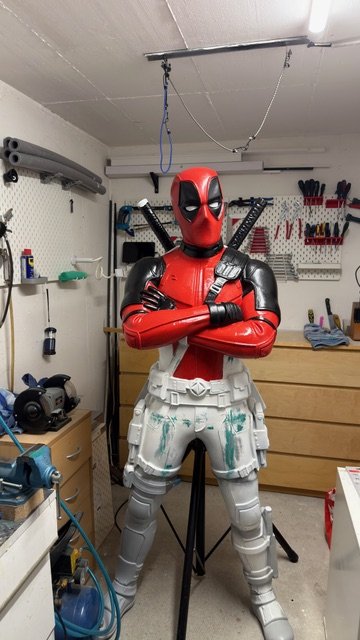
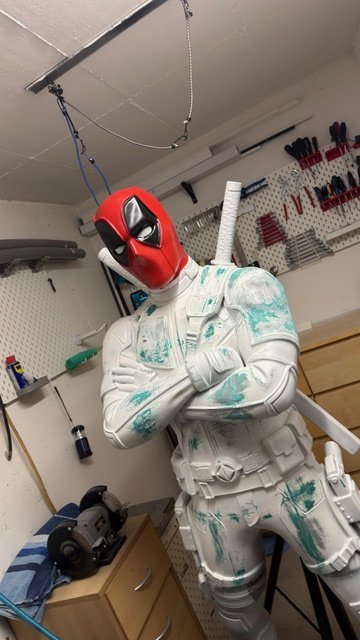
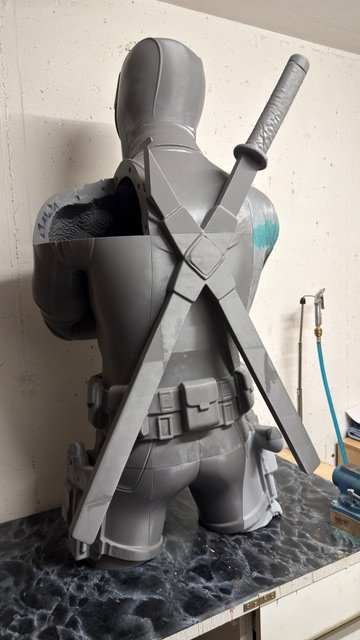
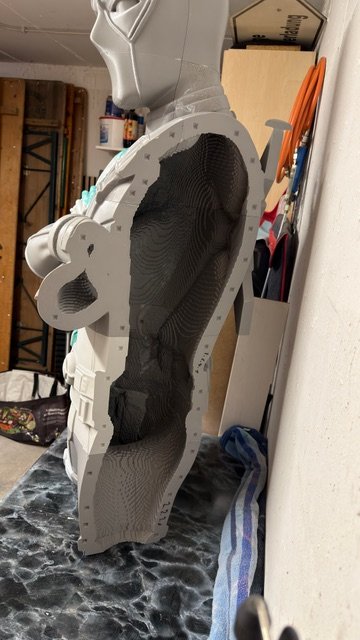
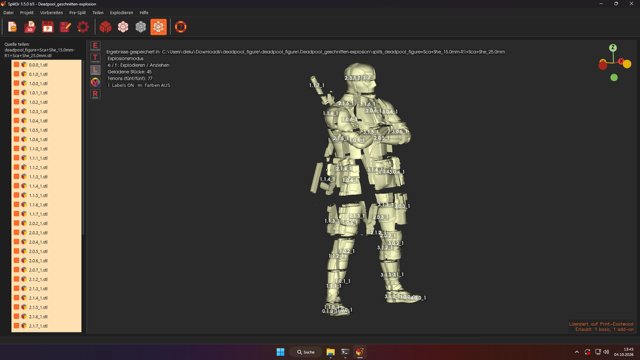
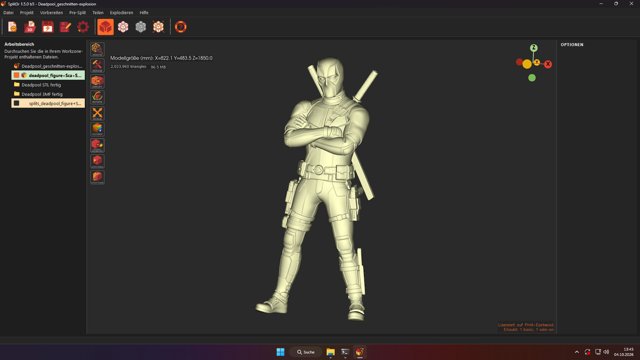
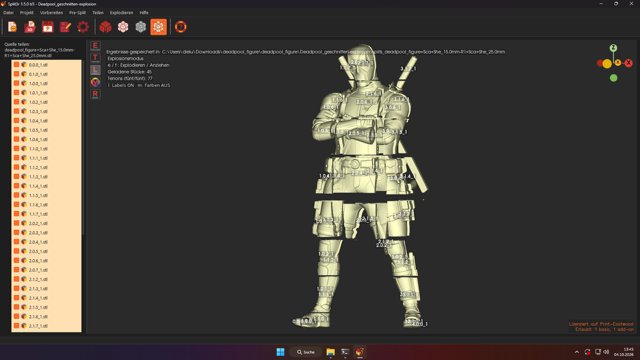
Christian, alias Hellboy666
Christian, in Bavaria, printed a life-size 1.85 m Deadpool on a Bambu Lab P2S: 46 build plates, 14 kg of PLA and PETG, 335 hours of printing. The seams were filled with fibreglass filler, sanded, primed and hand-painted with acrylics; four weeks of work in all. It now stands in his home cinema.
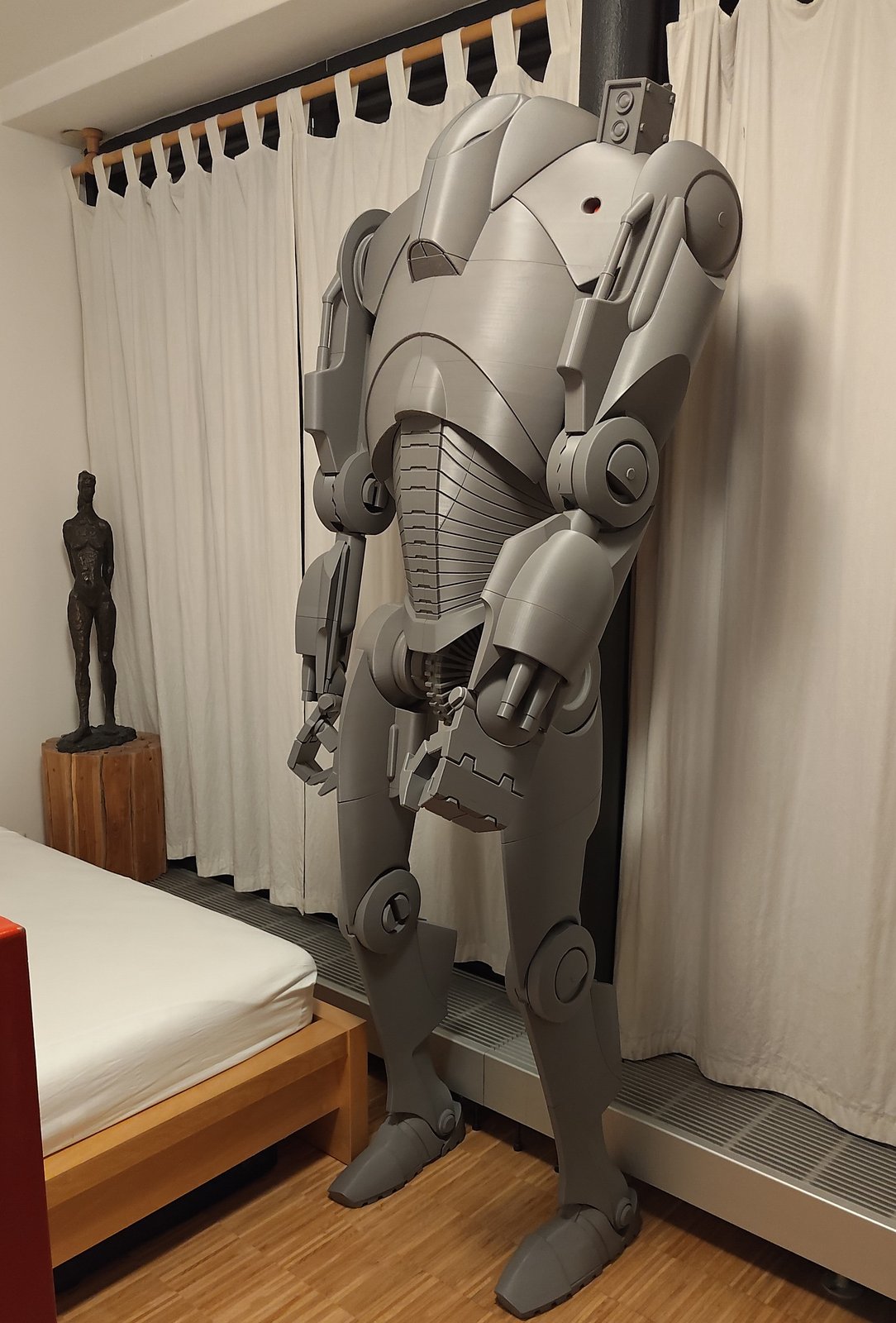
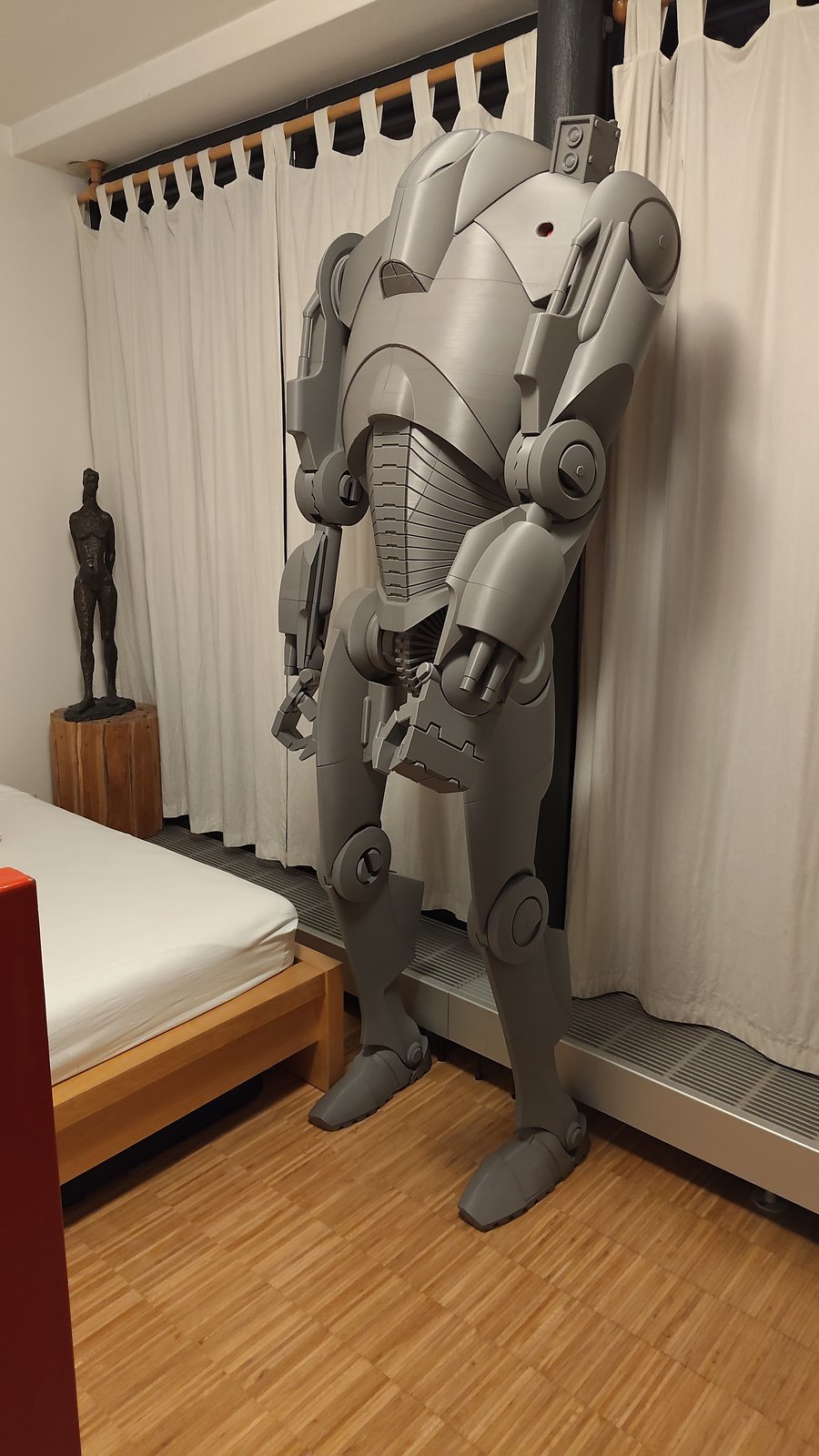
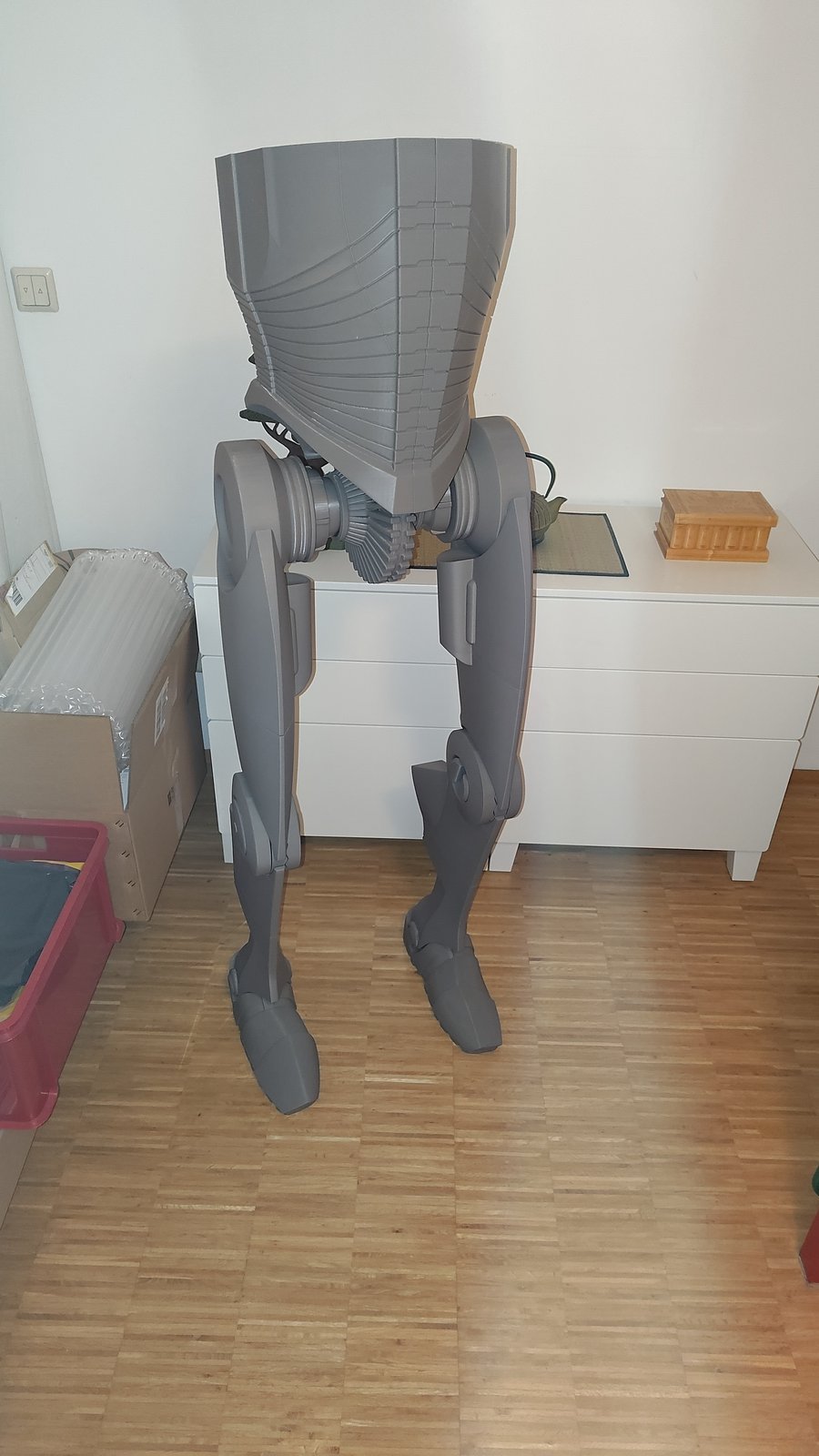
Thomas Vogl
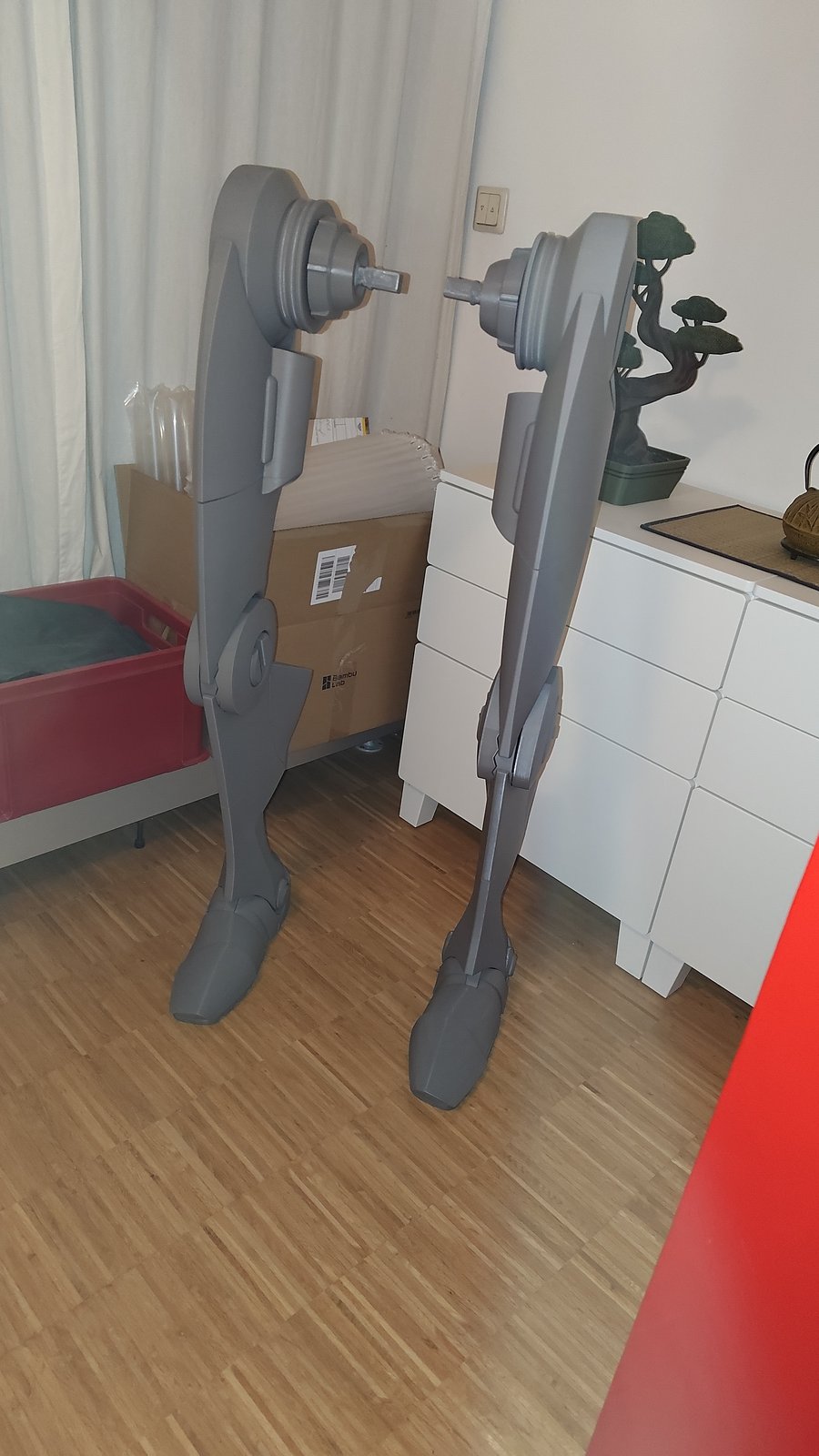
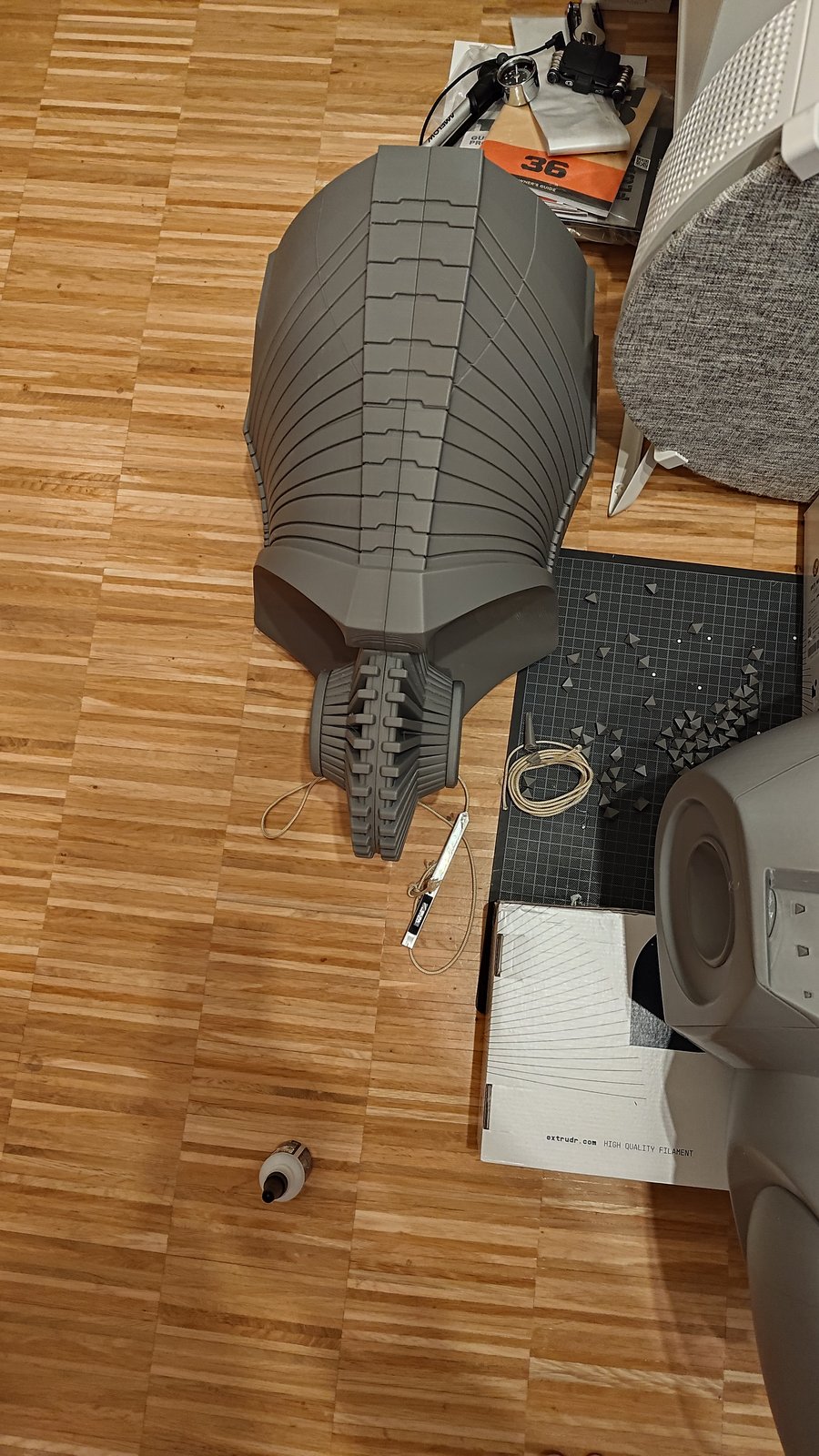
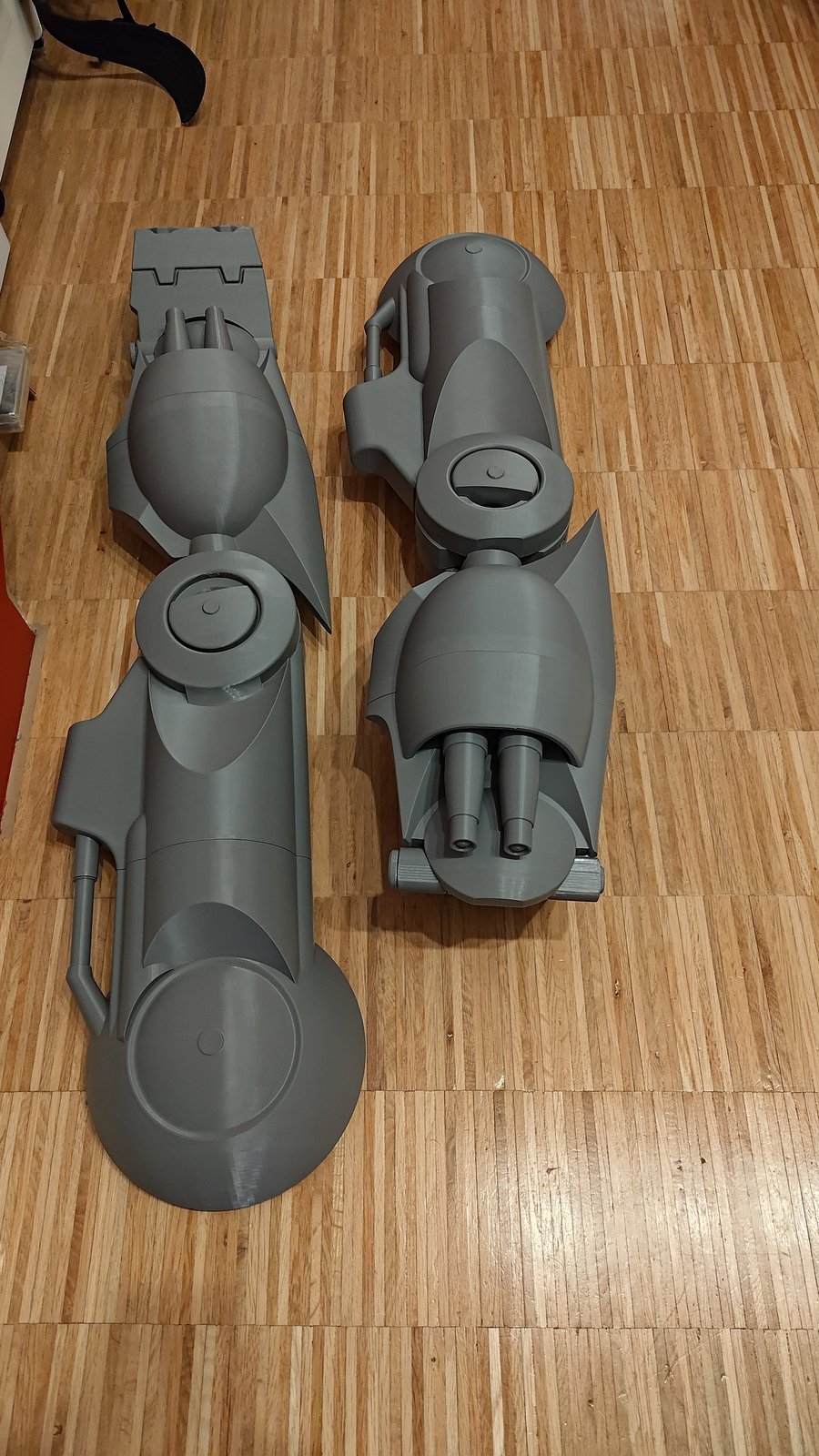
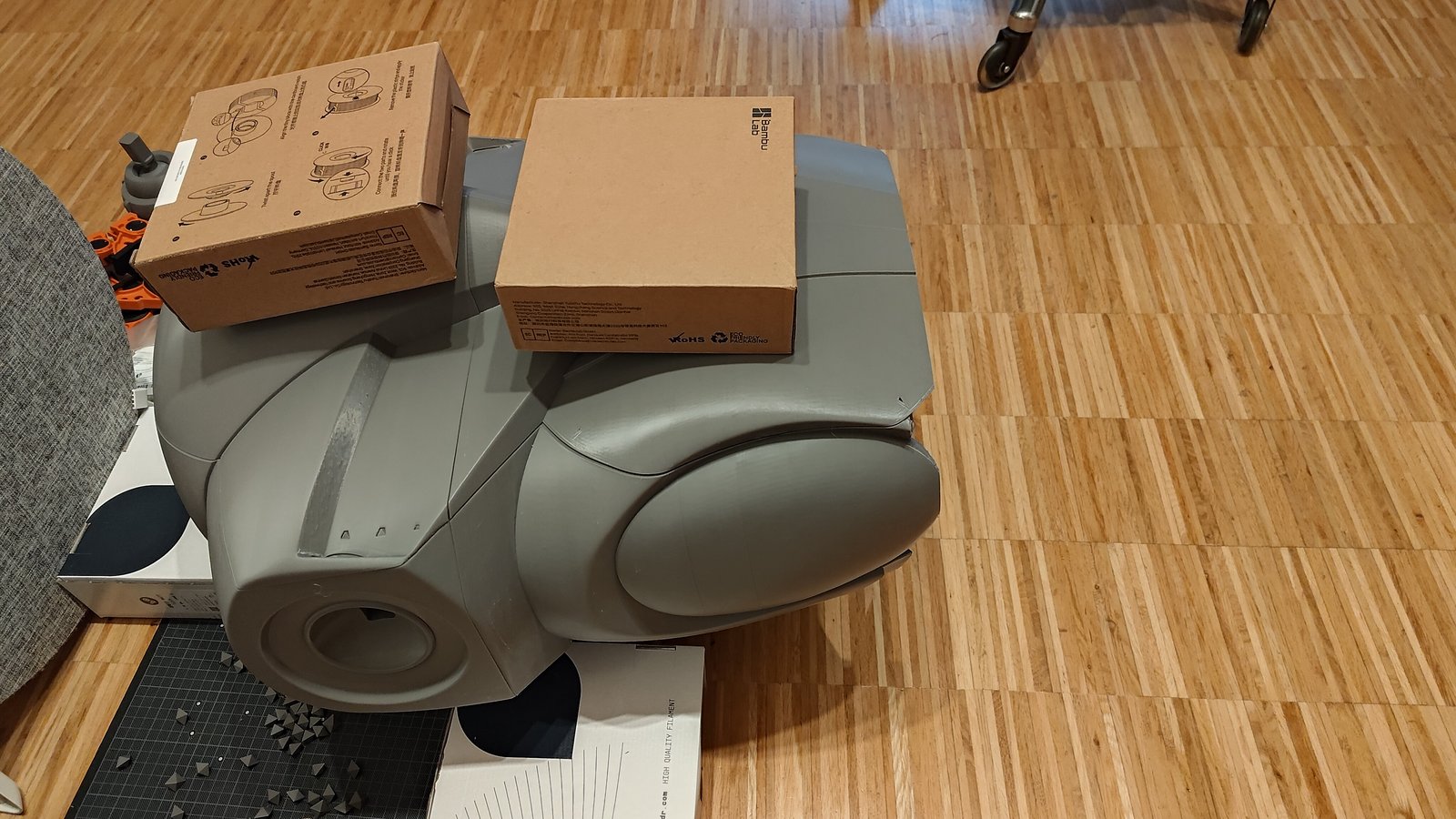
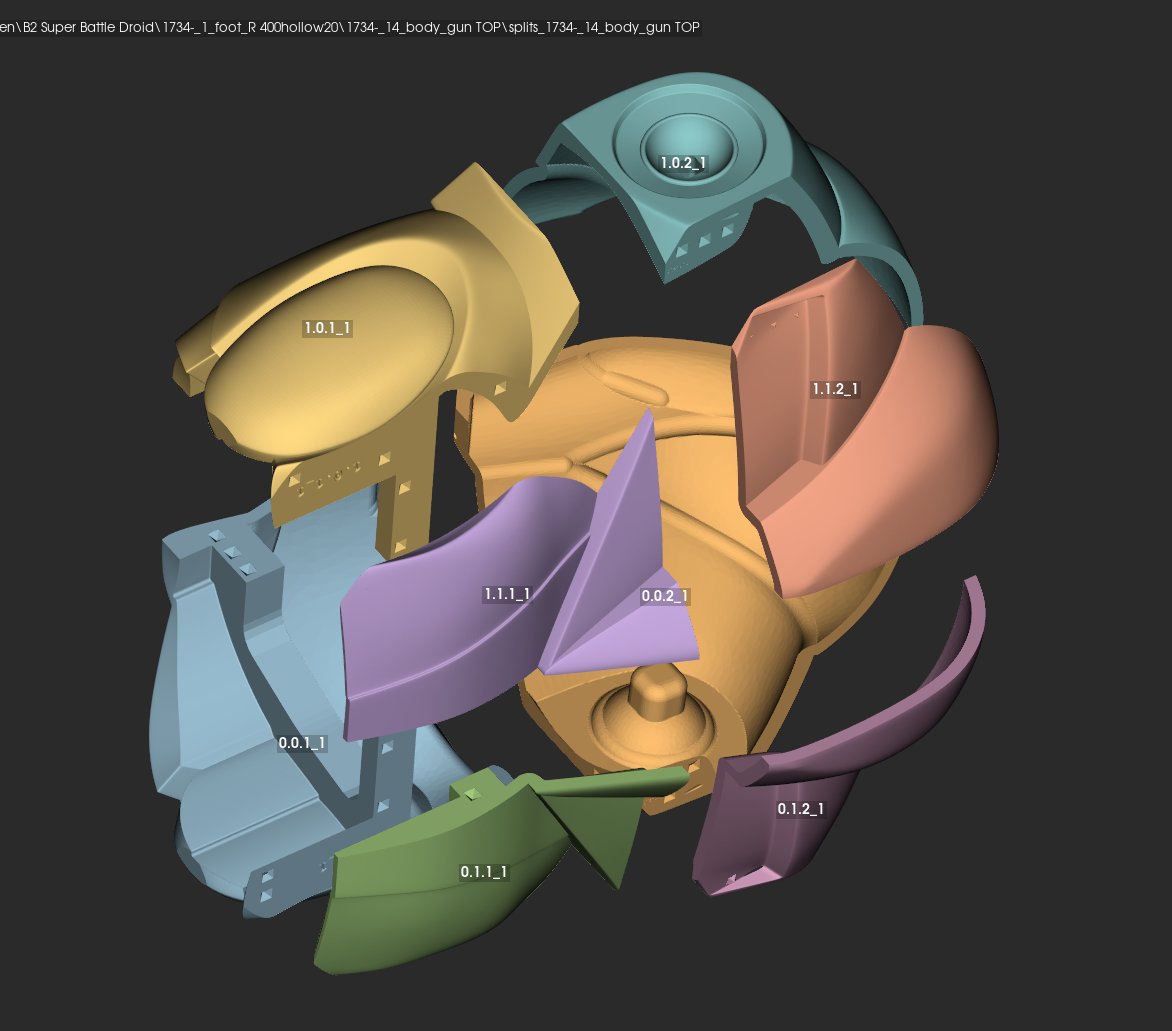
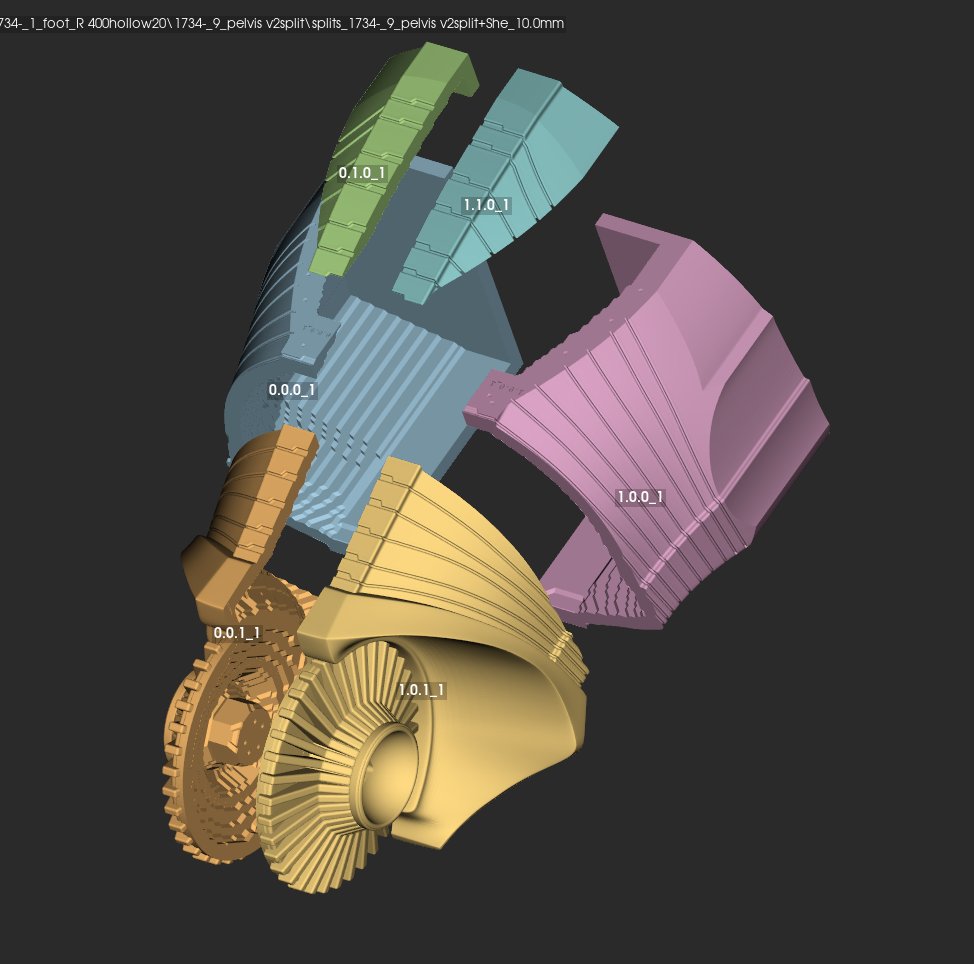
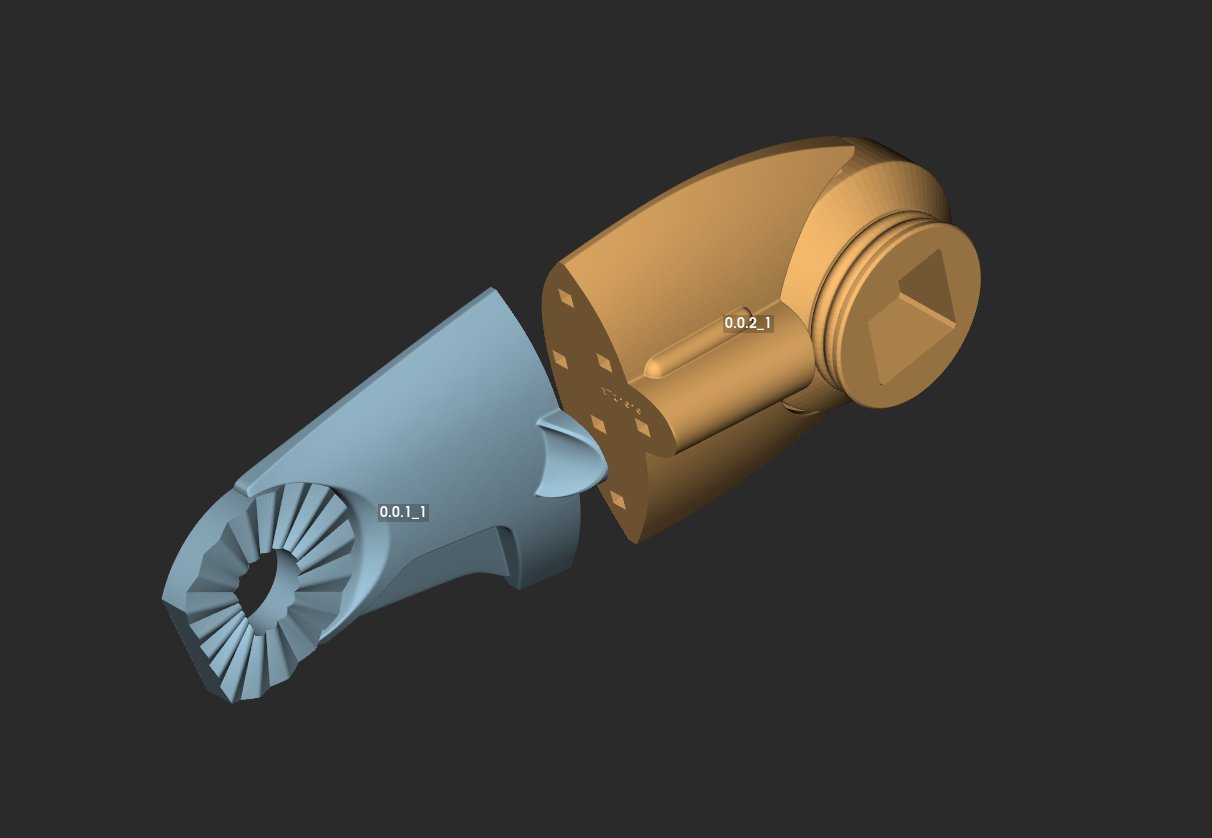
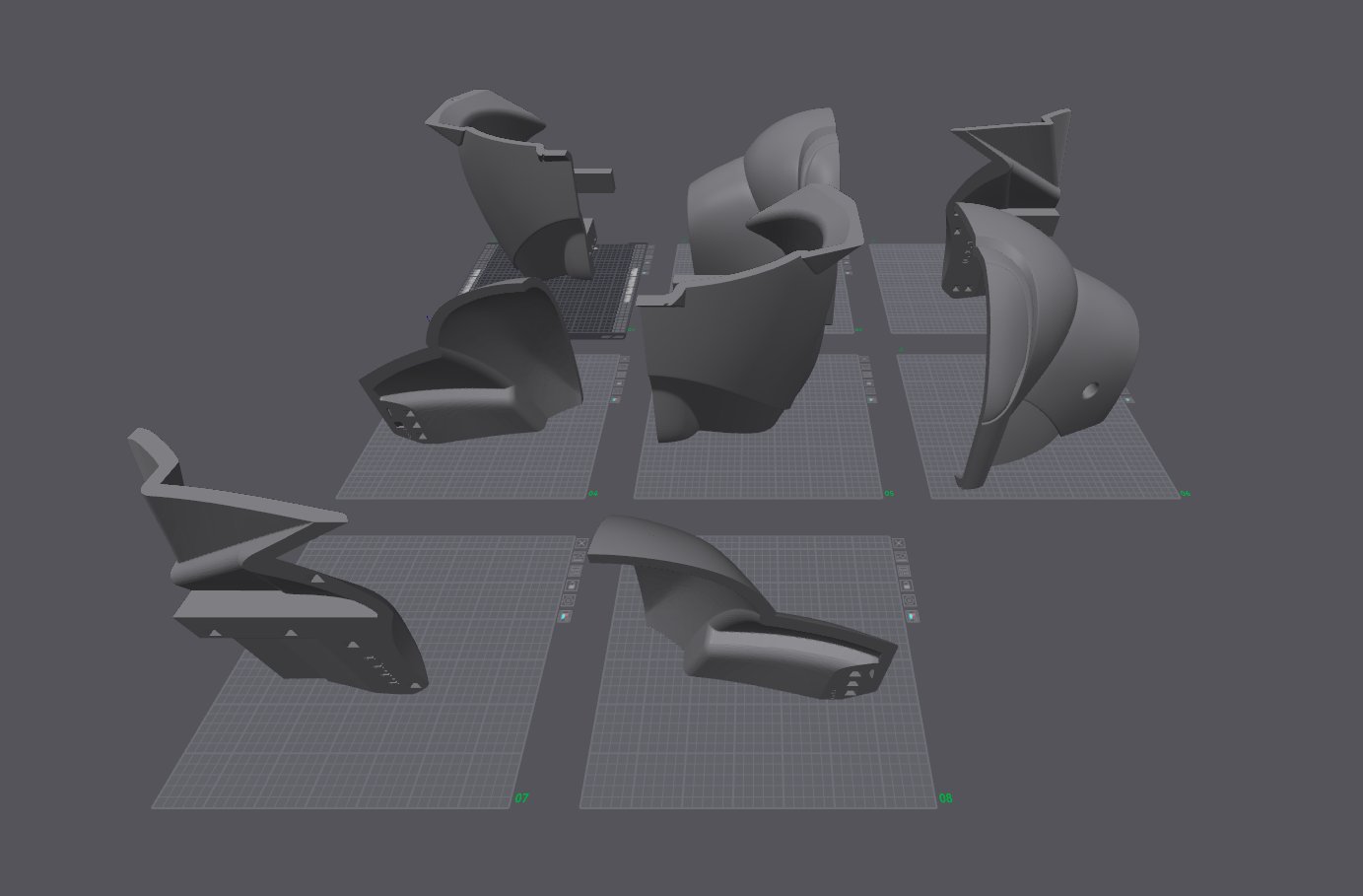
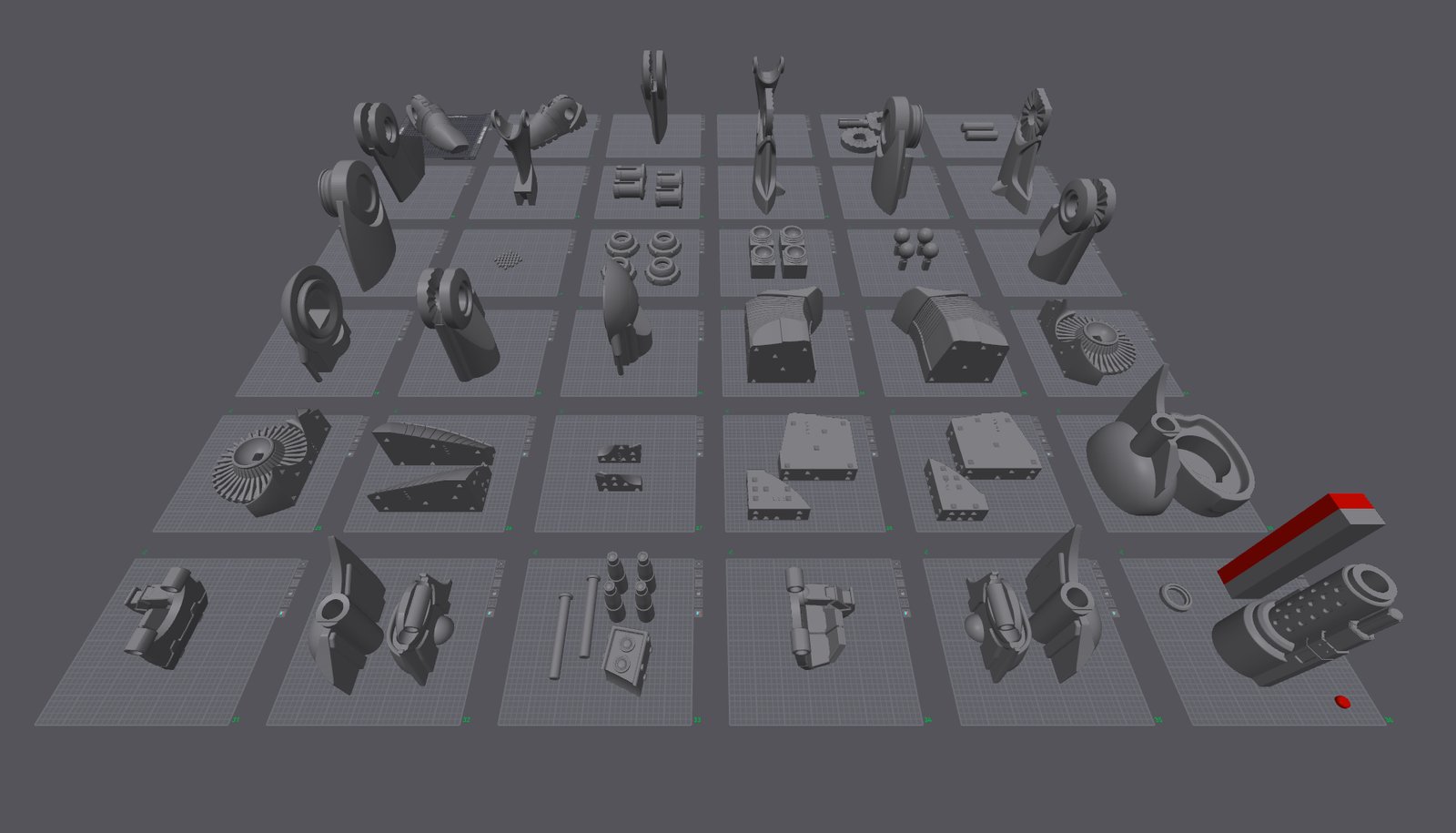
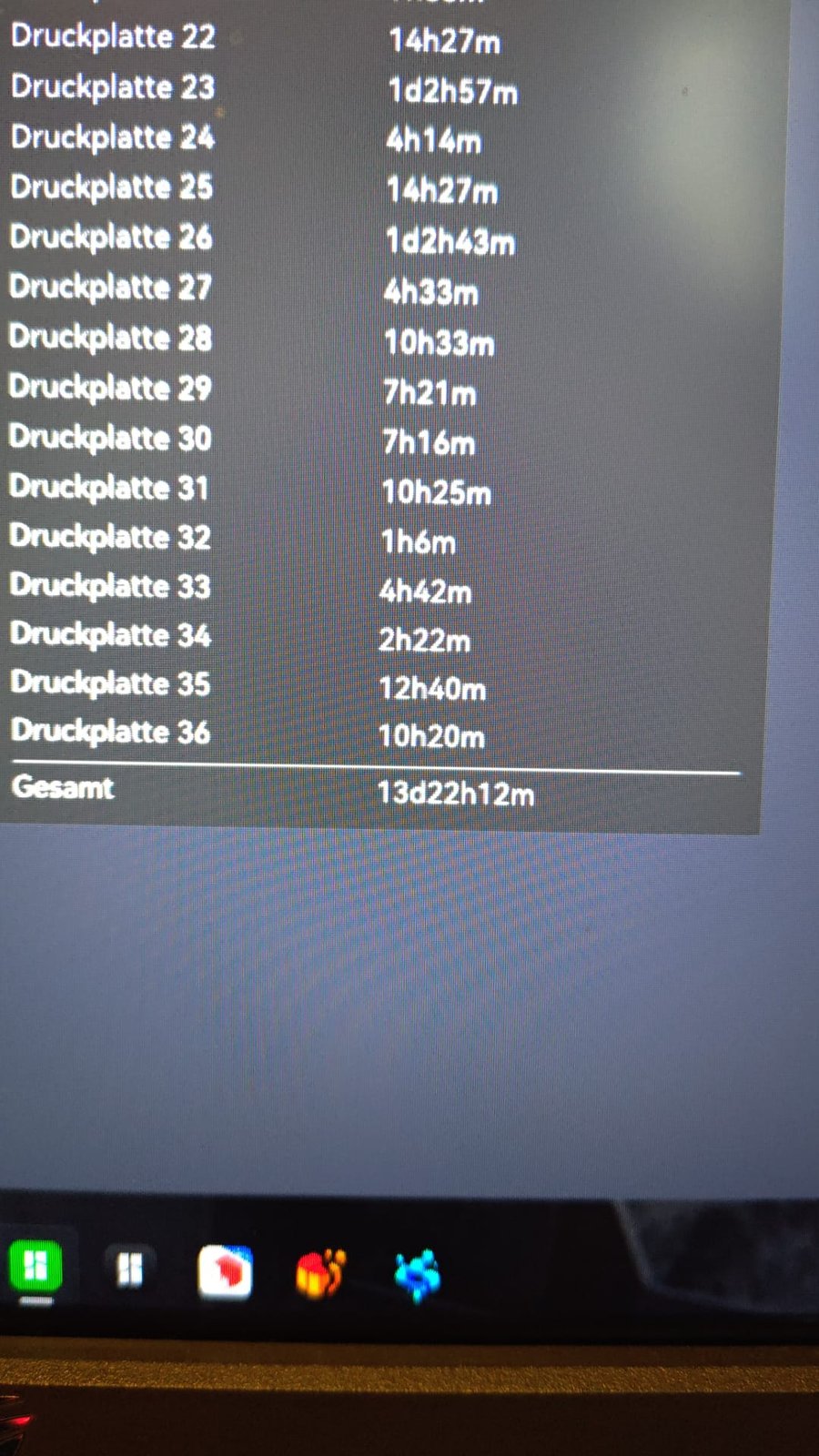
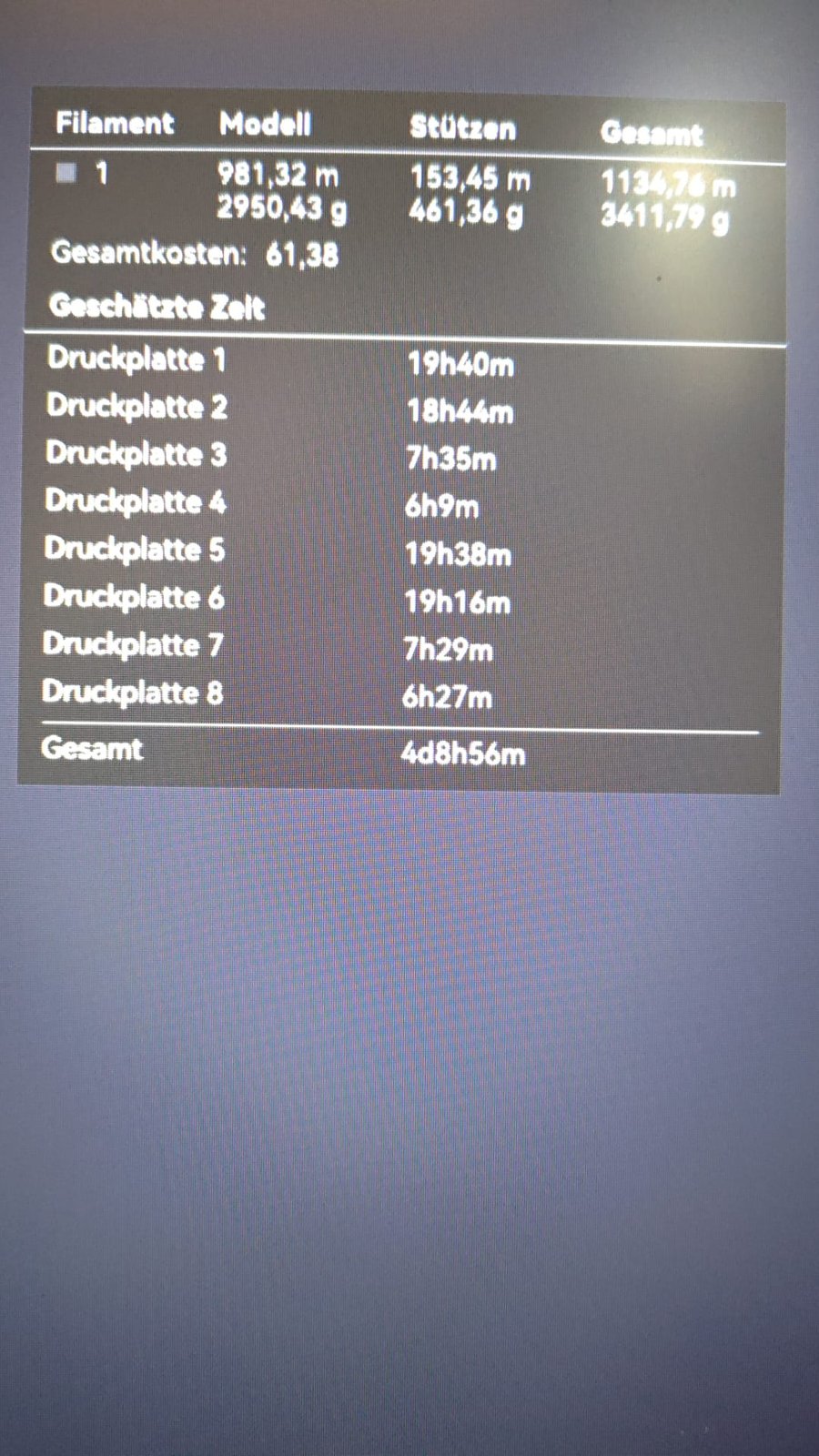
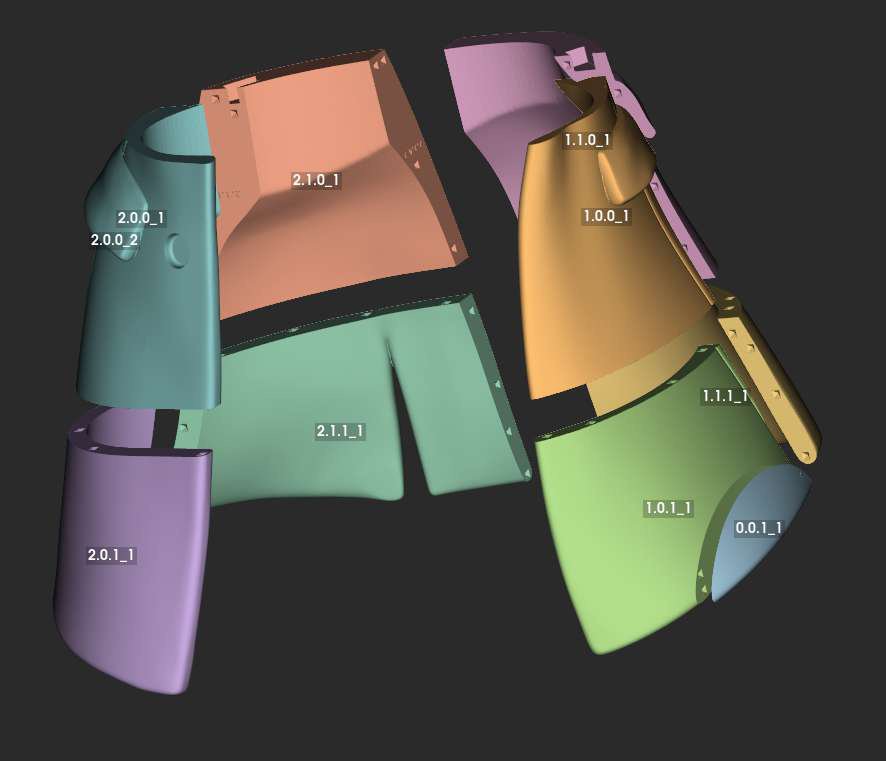
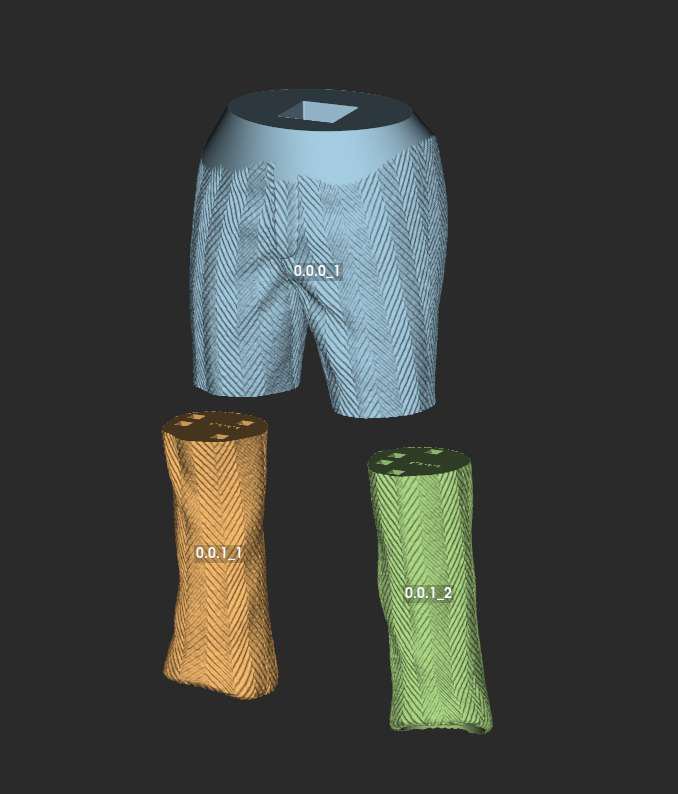
Thomas printed a Star Wars battle droid, human-size judging by the photos: 18 days of printing alone, 27 kg of PETG and a week of assembly. The message is short, but the screenshots show the split and the tenons in Split3r, the plates in the slicer and the printing times of 36 plates.

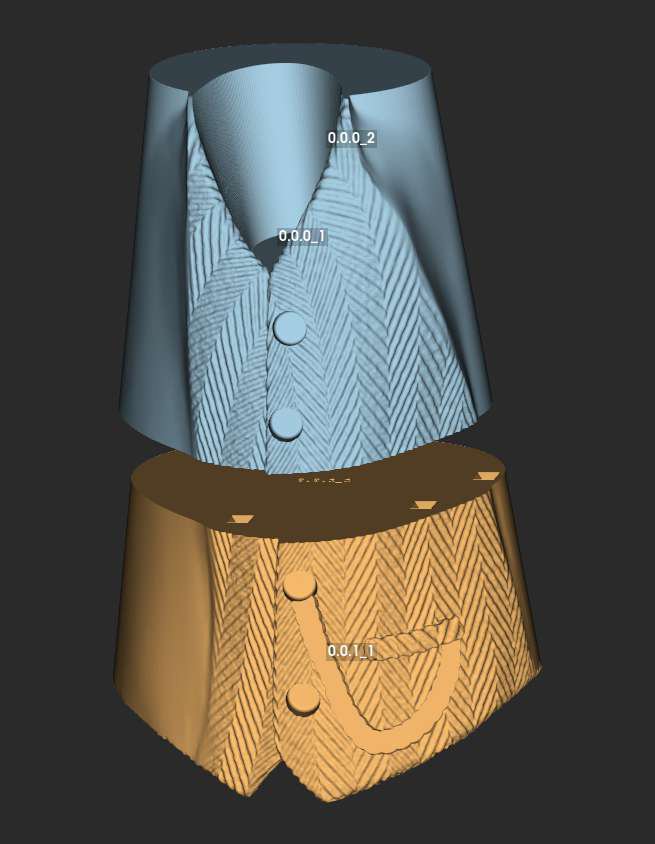
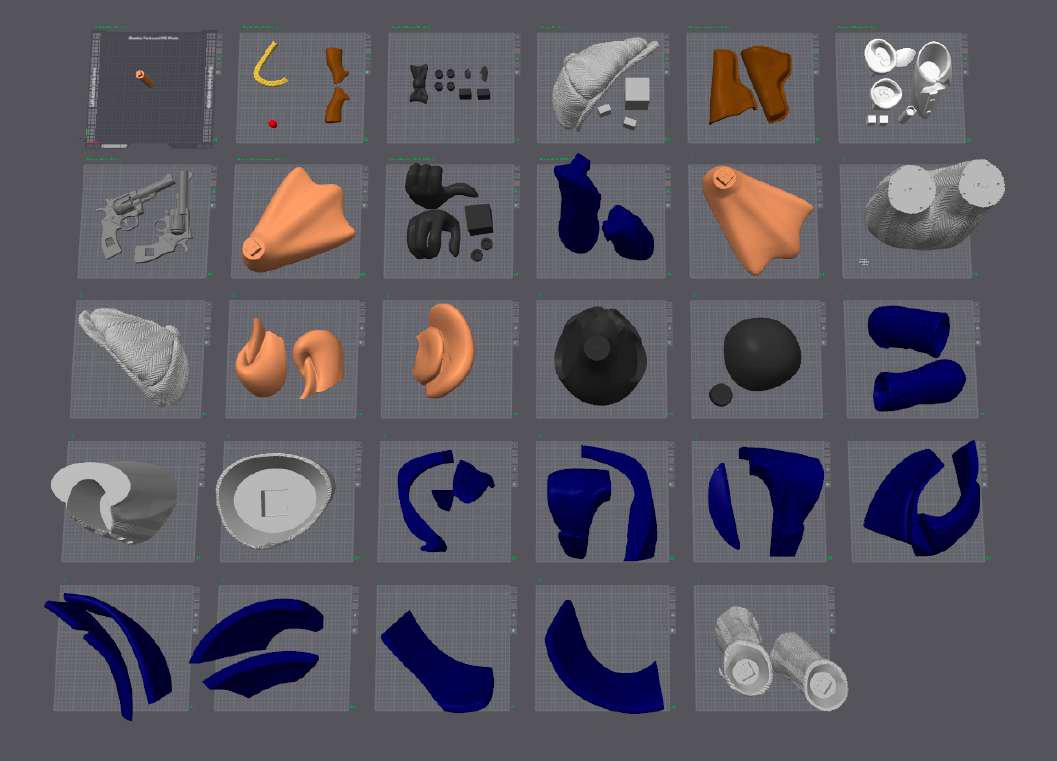
Uncut3D
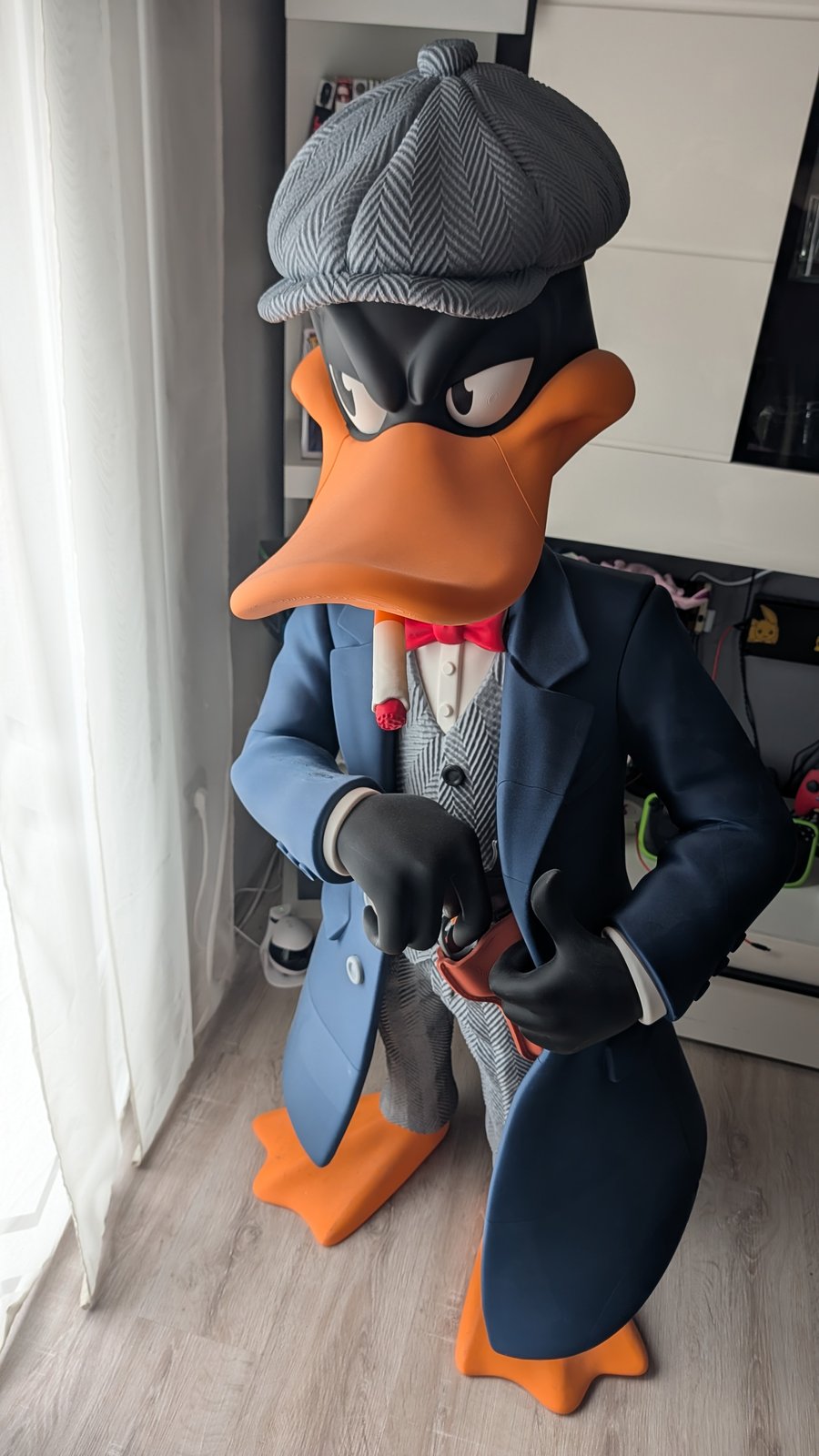
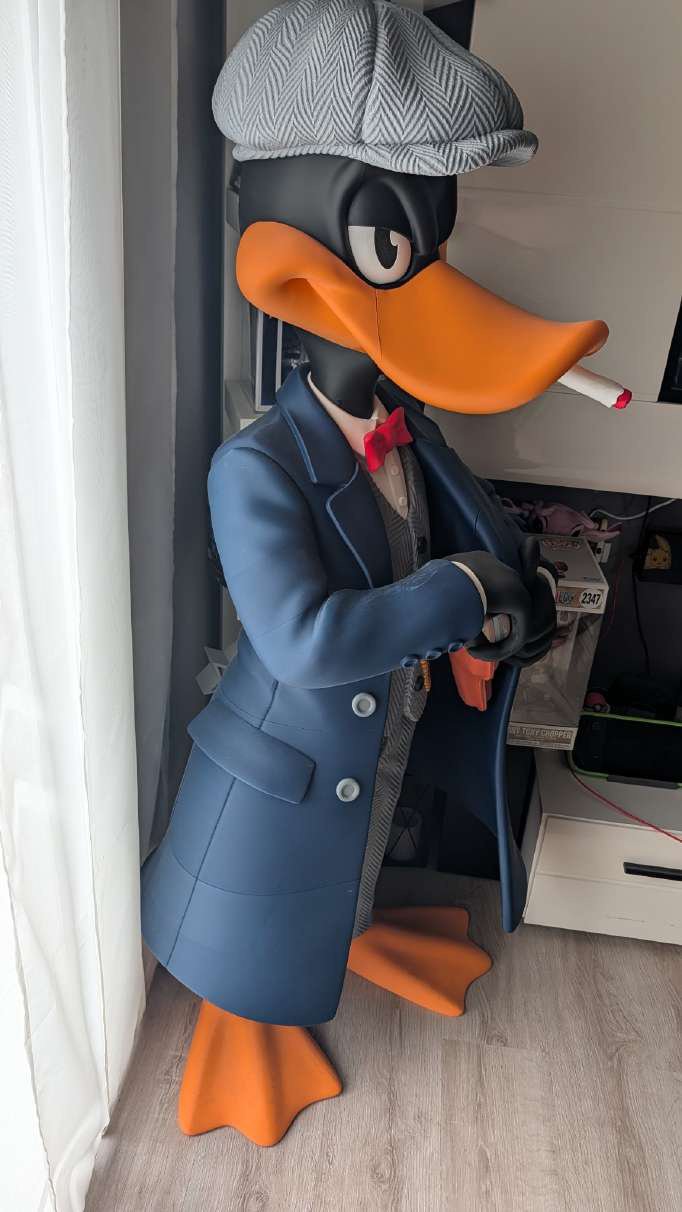
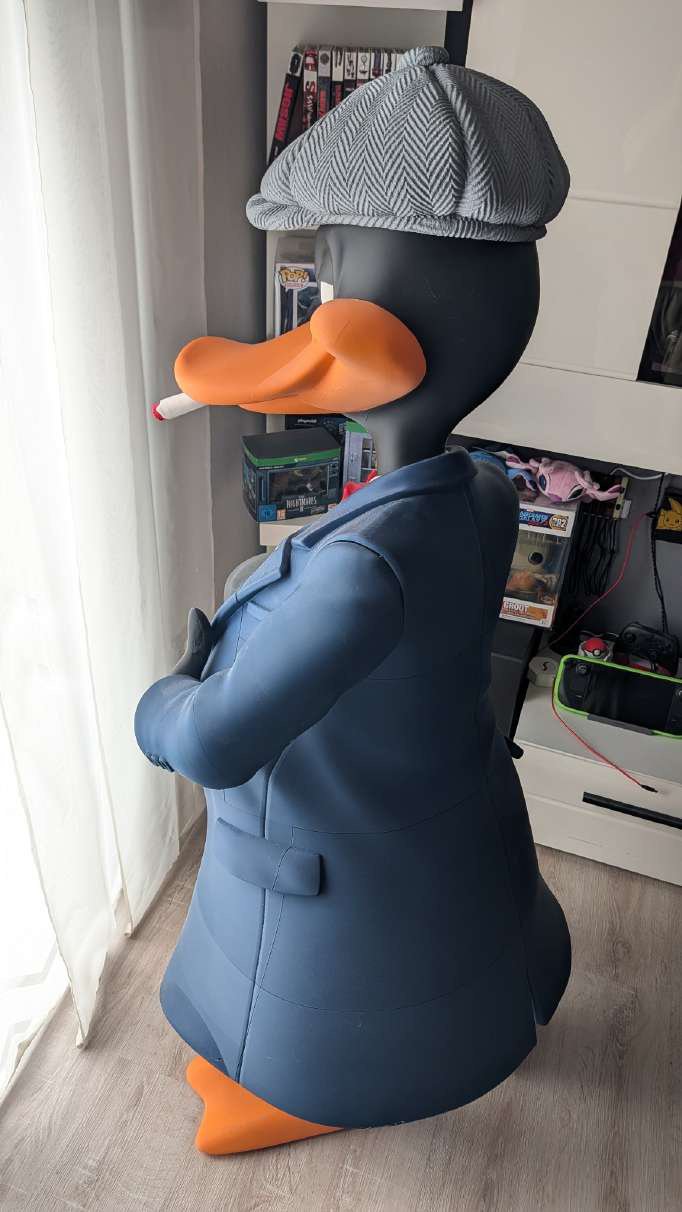
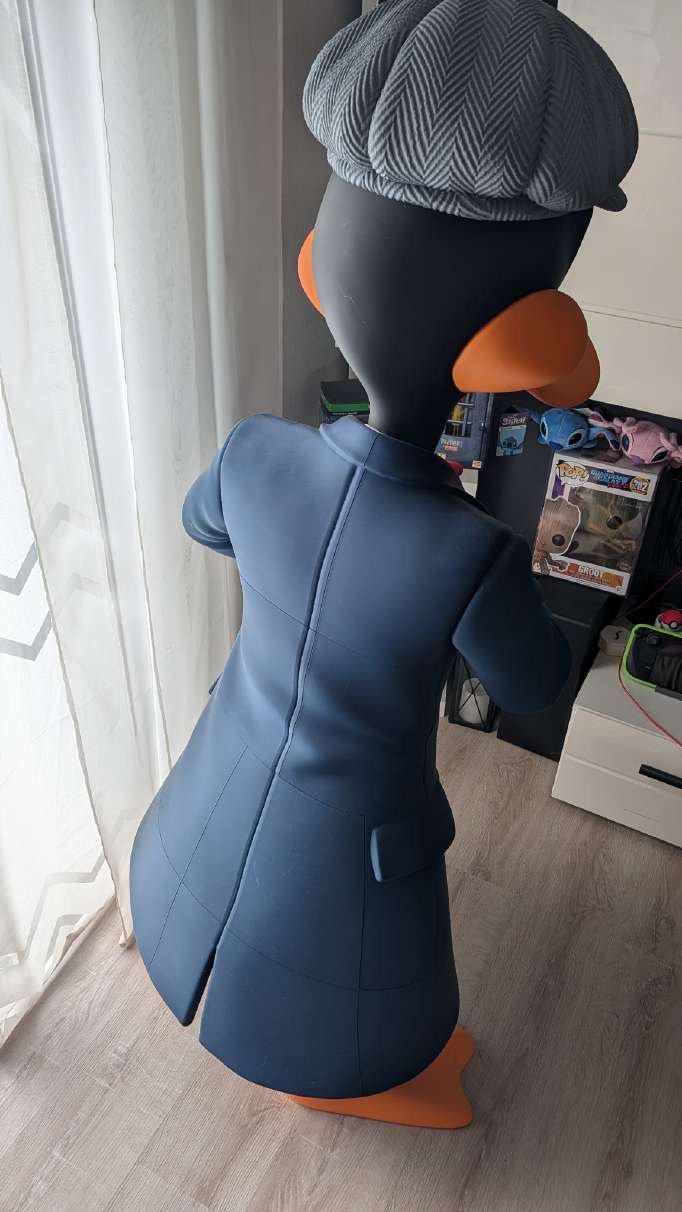
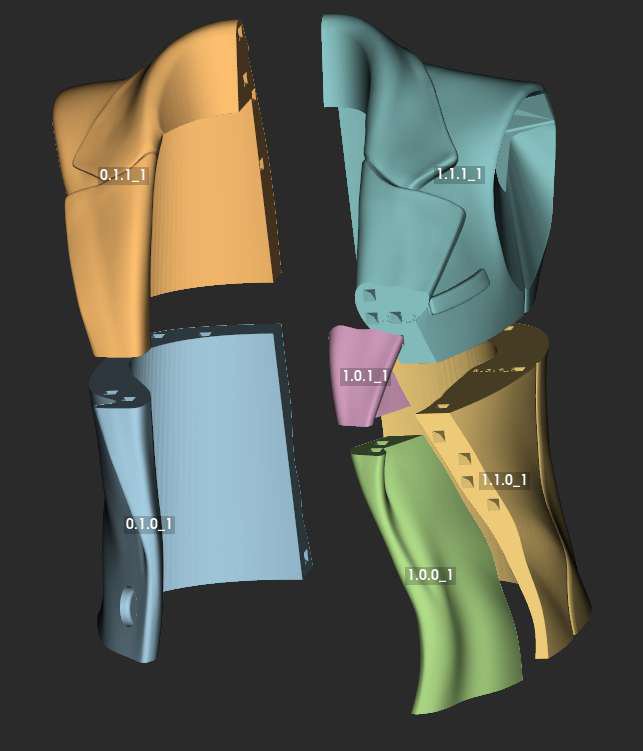
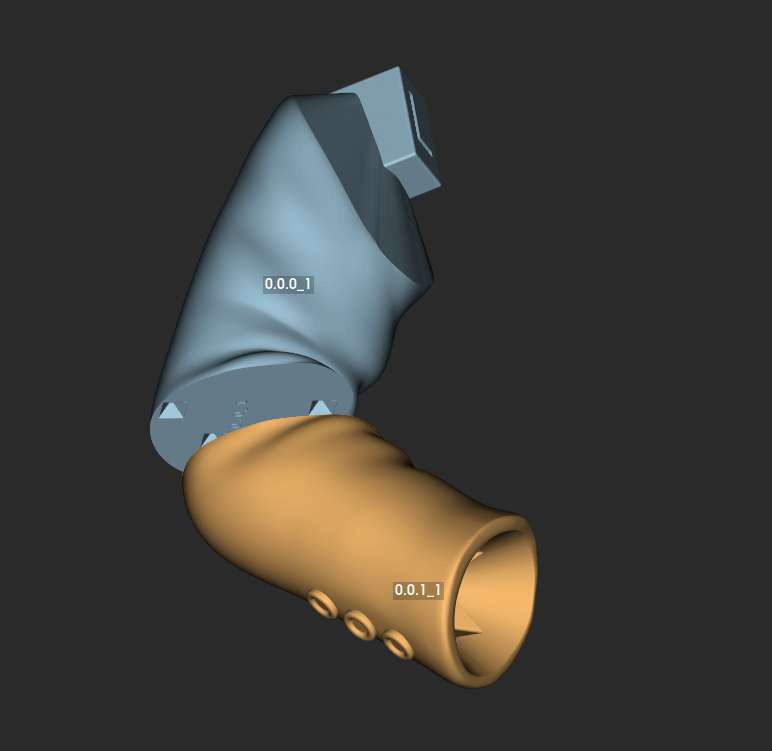
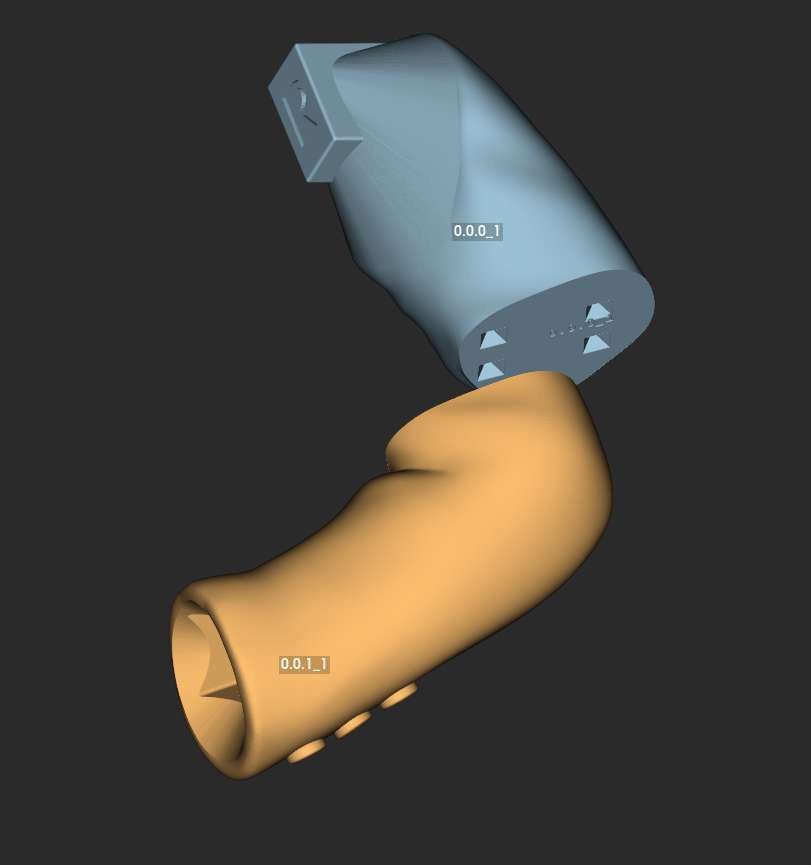
An existing modular model scaled up to 1.50 m, with the oversized parts split in Split3r for a Bambu Lab H2D: 29 build plates, 13 kg of matte PLA, 331 hours of printing and 91 tenons for assembly. The entry comes with a 12-page PDF documentation.
€60
Core splitting tools.
Lifetime license.
€35
Advanced tools for Basic.
Requires a Basic license.
€95
Basic and all Add-ons.
Lifetime license.
Prices exclude VAT. One-time purchase, no subscription. Internet connection required.
Congratulations on your work, Philippe. I've tested several software programs that try to replicate what Split3r does, and none came close. That's it! Let's go! I'm looking forward to the new updates!
I would like to thank you for your excellent support. Your assistance was very helpful, and thanks to your guidance I was able to resolve the issue successfully.
Everything is now working correctly.
Thank you again for your time, professionalism, and prompt assistance.
I want to say your program has been an enormous help; thank you for building it...
Thanks again for your work on this.
Pay for your license in our shop with PayPal or Stripe (Visa, CB, Mastercard…). Your license is delivered by email after payment confirmation.